Review projects shared with you
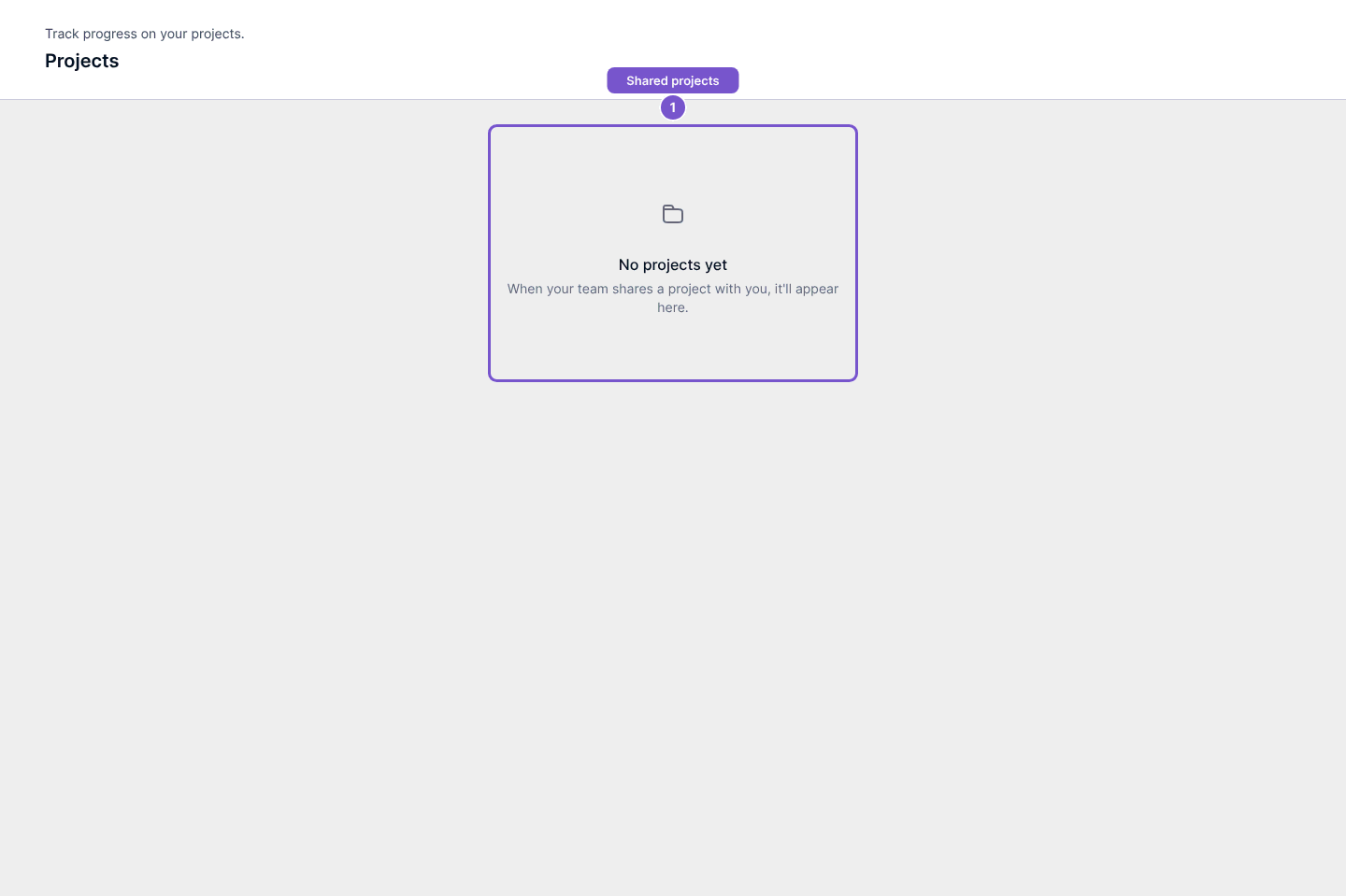
Projects lists the projects shared with your customer account.
Projects lists the projects shared with your customer account.
Find a shared project
- Open Projects in your portal.
- Choose a project that has been shared with you.
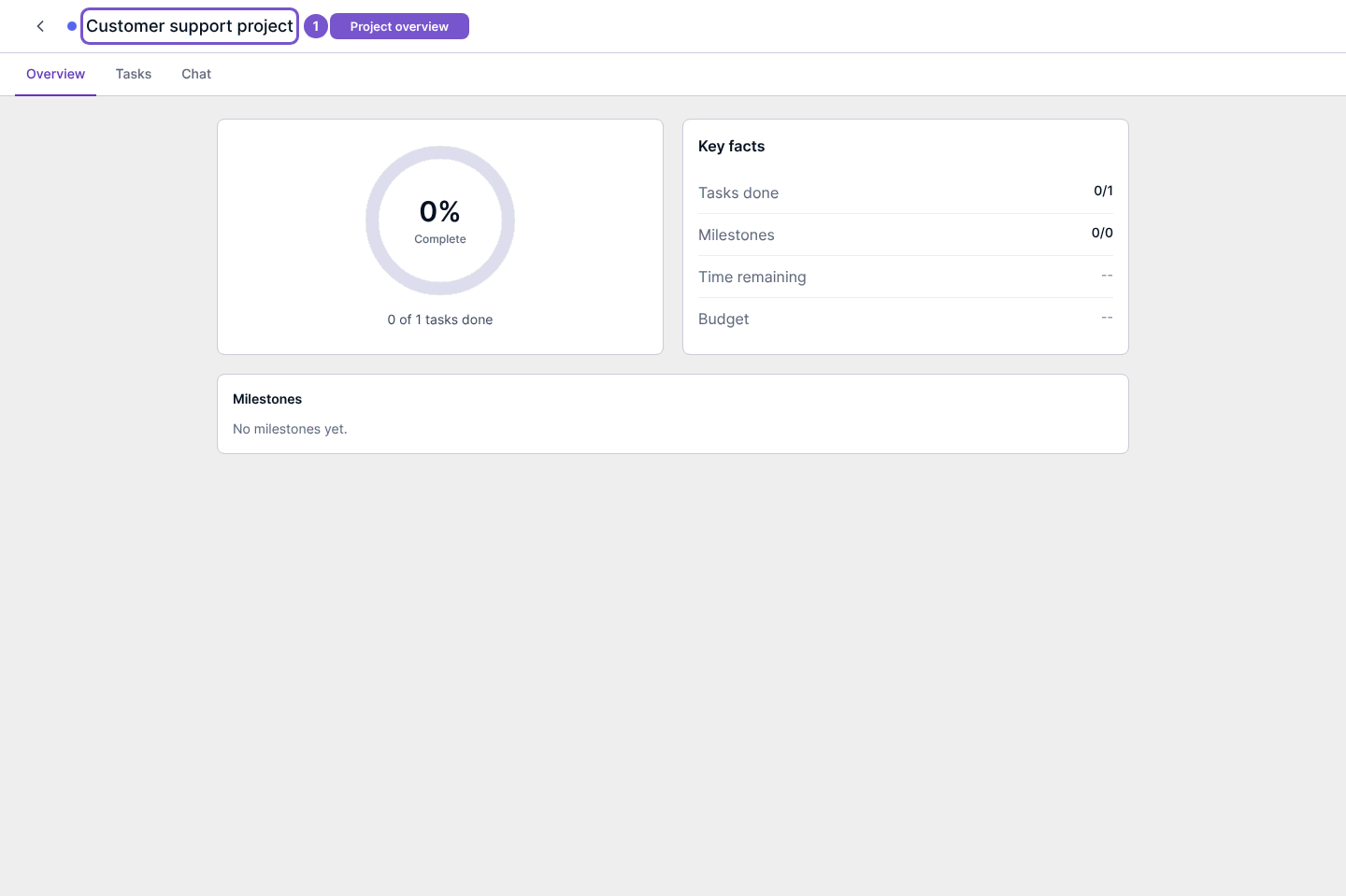
- Review Overview for progress, key facts and milestones.
The project workspace also has Tasks and Chat destinations. Each belongs to the selected shared project; a project link from another account does not grant access.
No projects yet means there are no projects available in this list. Ask the company to check sharing if you expected one. Opening Overview does not complete a task, change project status or send a message.