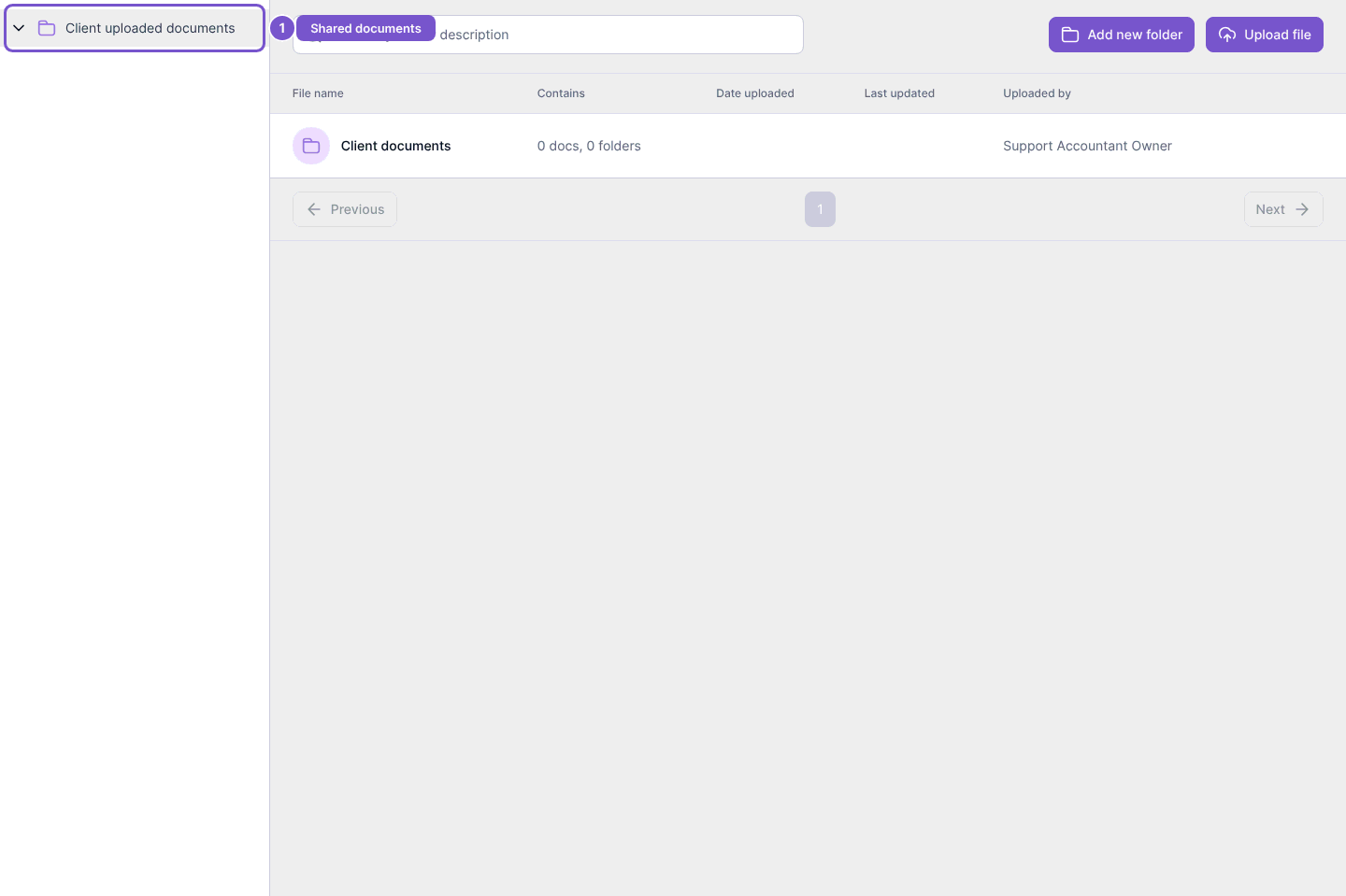
Find documents shared through your portal
Documents shows the folders and files available to your signed-in client account.
Documents shows the folders and files available to your signed-in client account.
Review shared documents
- Open Documents in your portal.
- Find the shared folder in the File name column.
- Open the folder to review its contents.
File and folder actions depend on the access granted to you. Being able to view a folder does not automatically let you create, edit or delete its contents.
If the folder you need is missing, ask the company managing the portal to check that it has shared it with your client account. An empty folder can be valid; opening it does not upload a file.