Find your customer portal dashboard
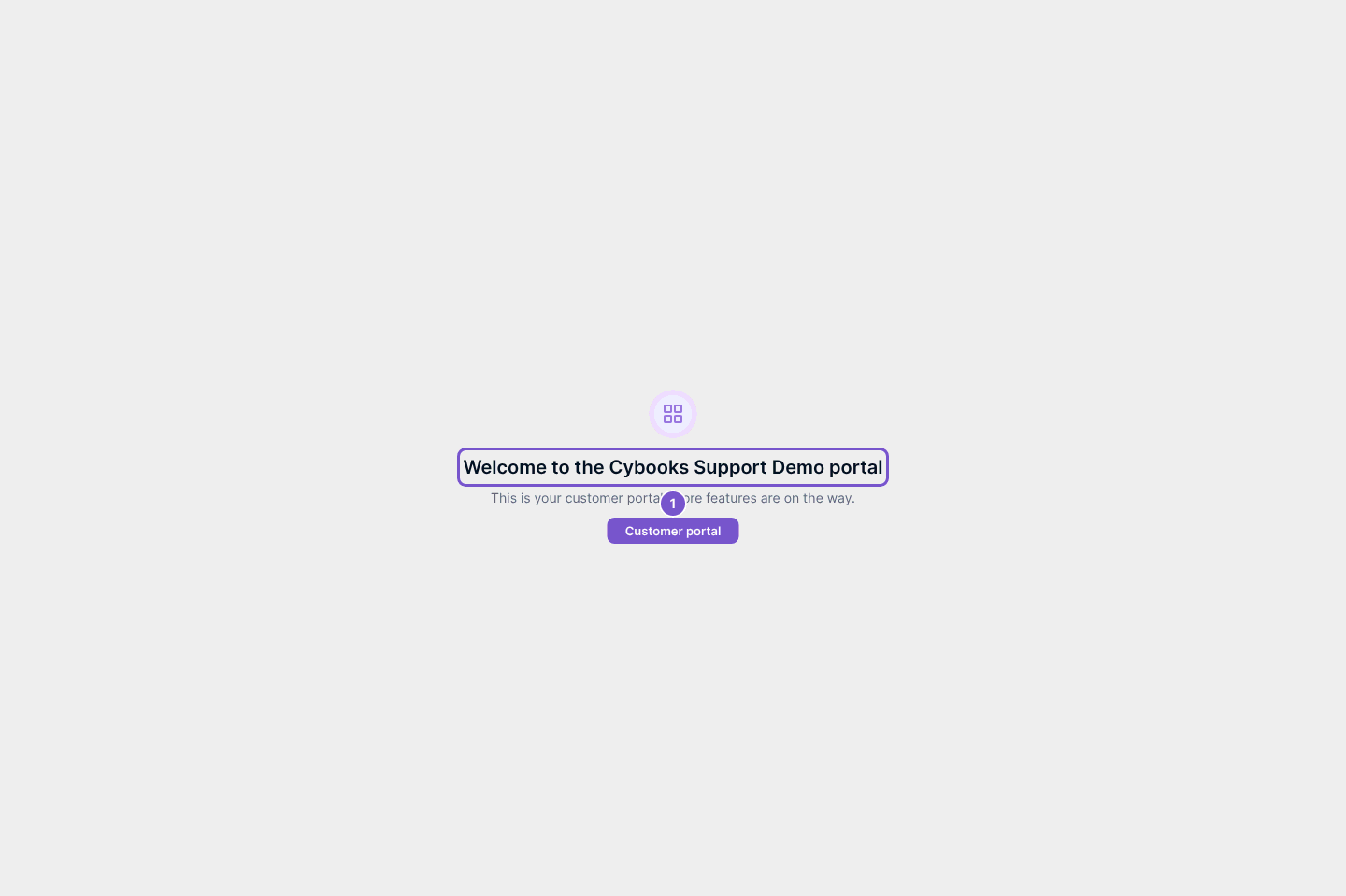
The Dashboard identifies the company whose customer portal you have opened.
The Dashboard identifies the company whose customer portal you have opened.
Check your portal
- Sign in to your customer portal.
- Open Dashboard.
- Check the company name in the welcome message before using other portal pages.
The welcome page does not change customer records. If the company is not the one you expected, return to the portal invitation supplied by that company rather than continuing in another workspace.