Find conversations in your customer portal
Your portal keeps customer conversations separate from your company’s internal workspace chat.
Your portal keeps customer conversations separate from your company’s internal workspace chat.
Find a conversation
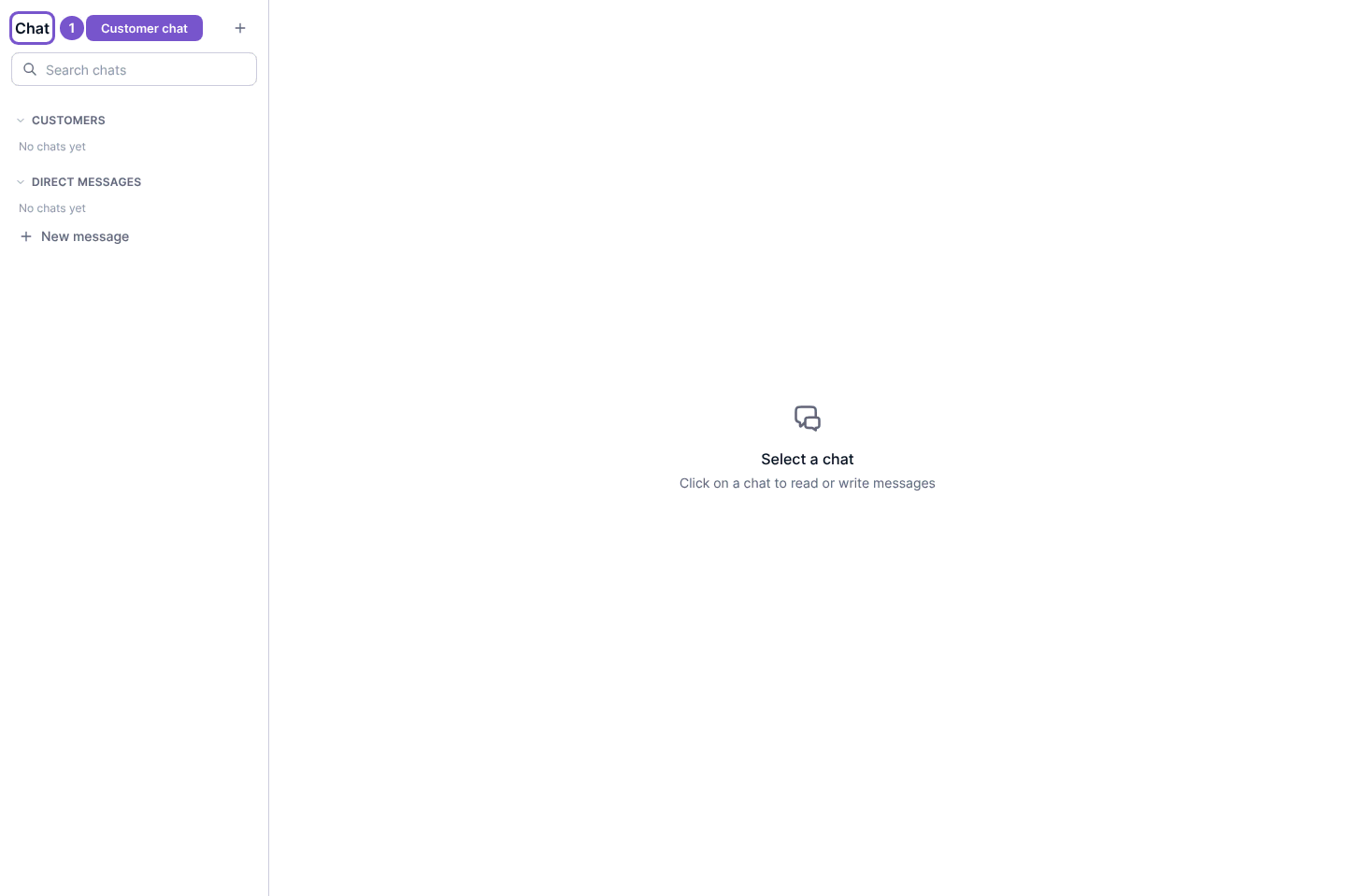
- Open Chat in your customer portal.
- Review the conversation list and Direct Messages section.
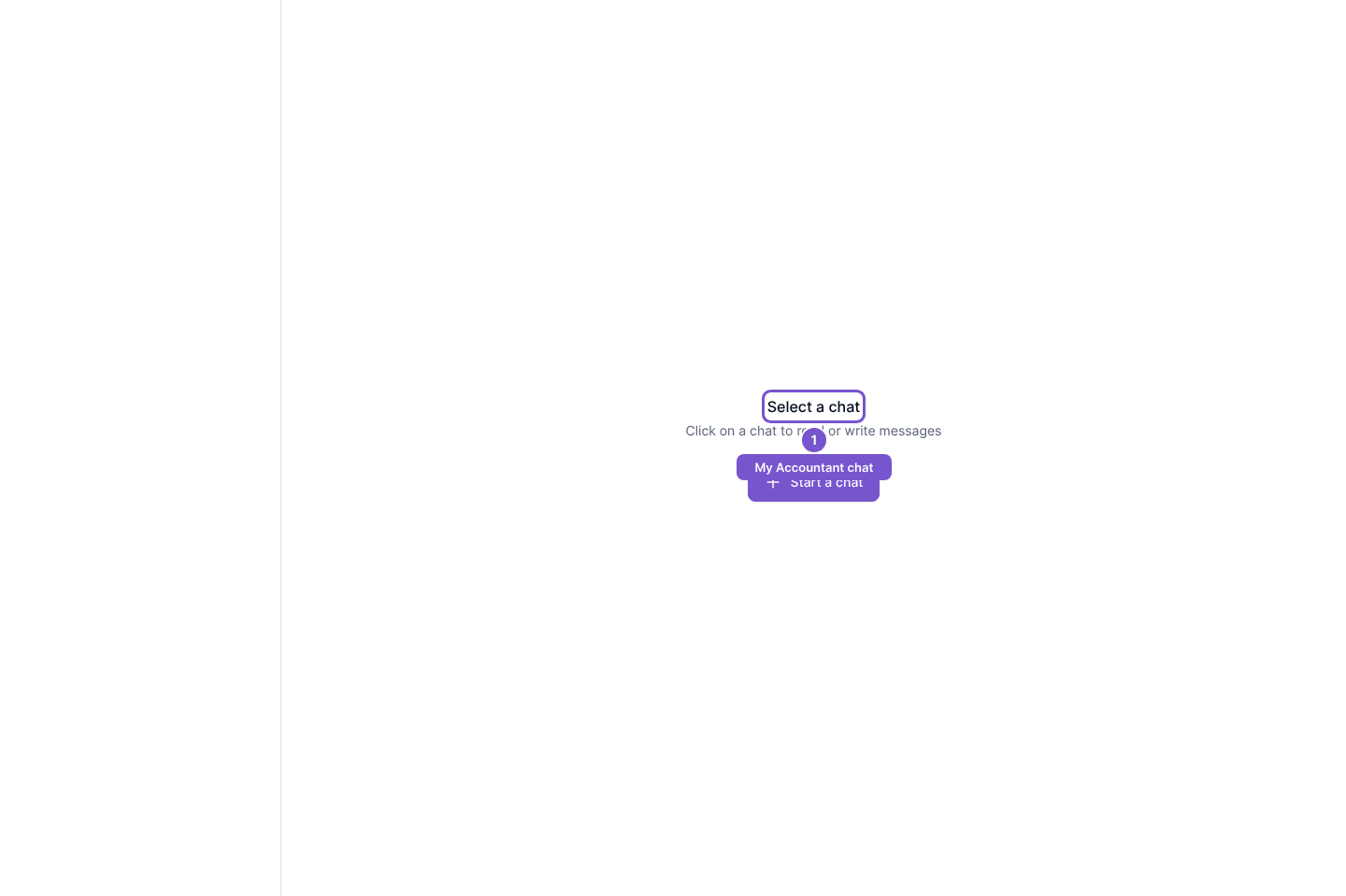
- Select an existing conversation to read it. When no conversation is selected, the page displays Select a chat.
The My Accountant chat destination also starts at Select a chat. Opening either page does not create a conversation or send a message.
If the list is empty, check that you signed in to the intended company’s portal. A tenant workspace login and a portal login give access to different conversations.