
Access your client portal
Request passwordless access using the email associated with your portal account.
Open the client portal sign-in page and check that it says Access your secure client portal.
- Enter the email address associated with your portal access.
- Select Continue to request the sign-in link.
- Review the response and check that email inbox for the secure link.
- Use the link to continue signing in.
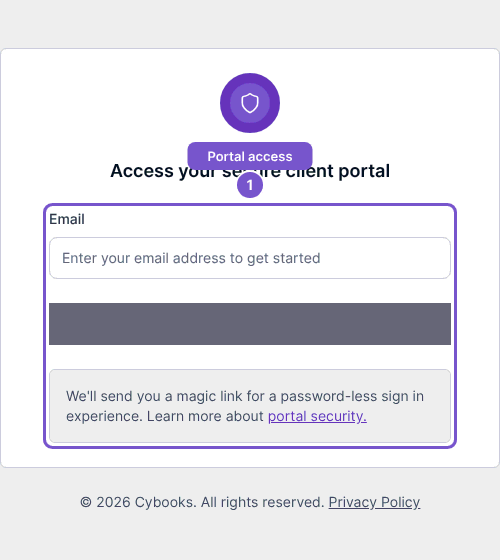
Opening the form alone does not send an email. After a successful request, the page reports that a secure link was sent and offers Try again. Check the address and the result before requesting another link. Do not share a sign-in link with another person.