
Review payroll setup
Locate payroll activation and the settings needed for company payroll configuration.
Open Pay Employees. If payroll has not been set up, the Payroll made simple for Cyprus businesses view offers Activate payroll when you have the required access. Use it to enter the setup flow and review the company information before submitting setup.
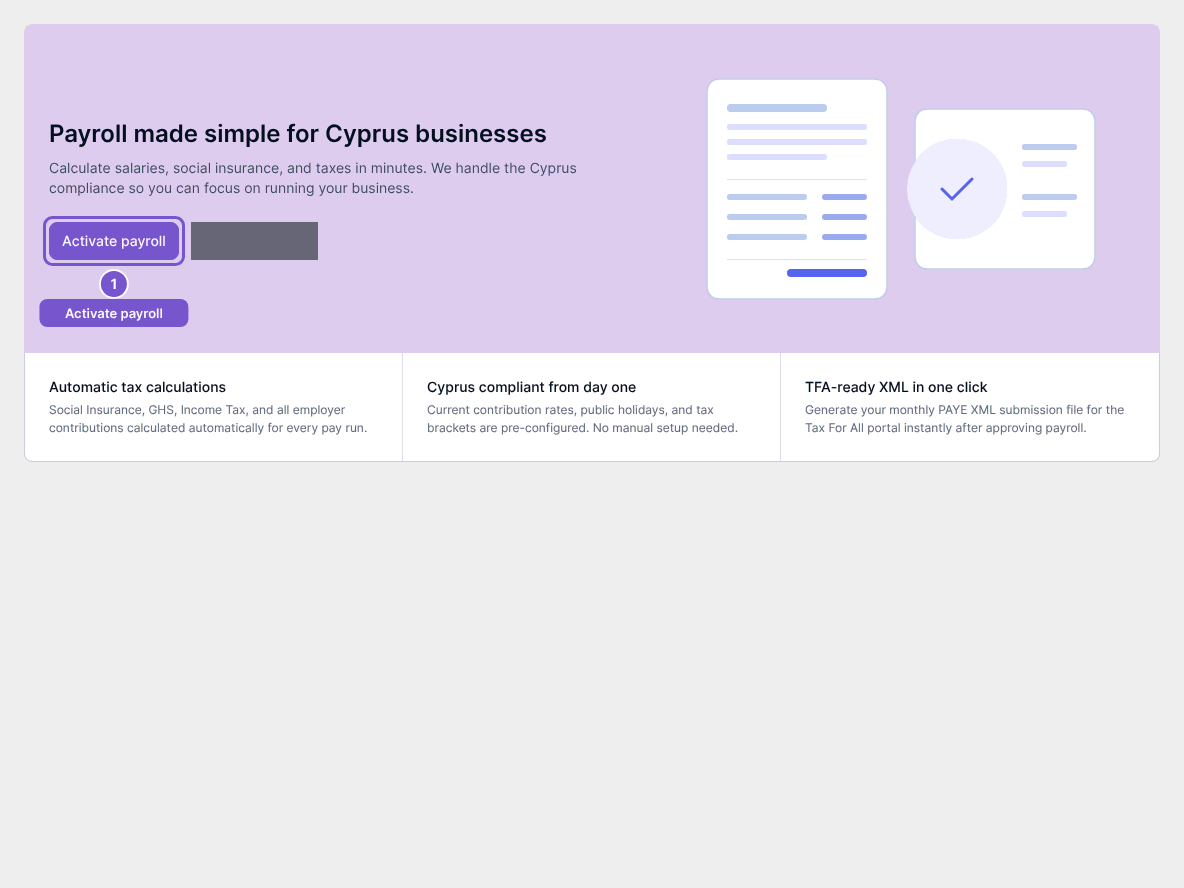
Opening the setup view does not activate payroll, create pay runs or pay employees. Review the result of any later setup submission before assuming activation is complete.
Review core settings
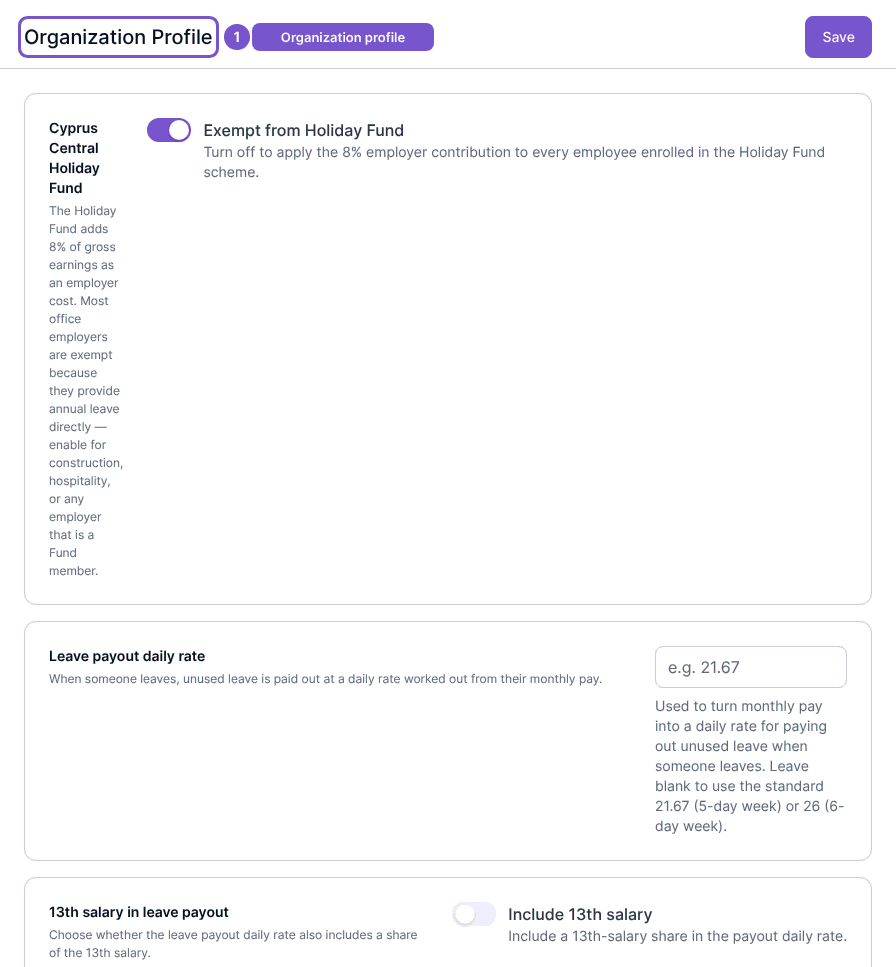
Open payroll settings and review Organization Profile. Account Mapping, Tax Department, Pay Items and Opening Balances are separate configuration destinations. Check the company and intended accounting treatment before saving changes.
Review benefit schemes
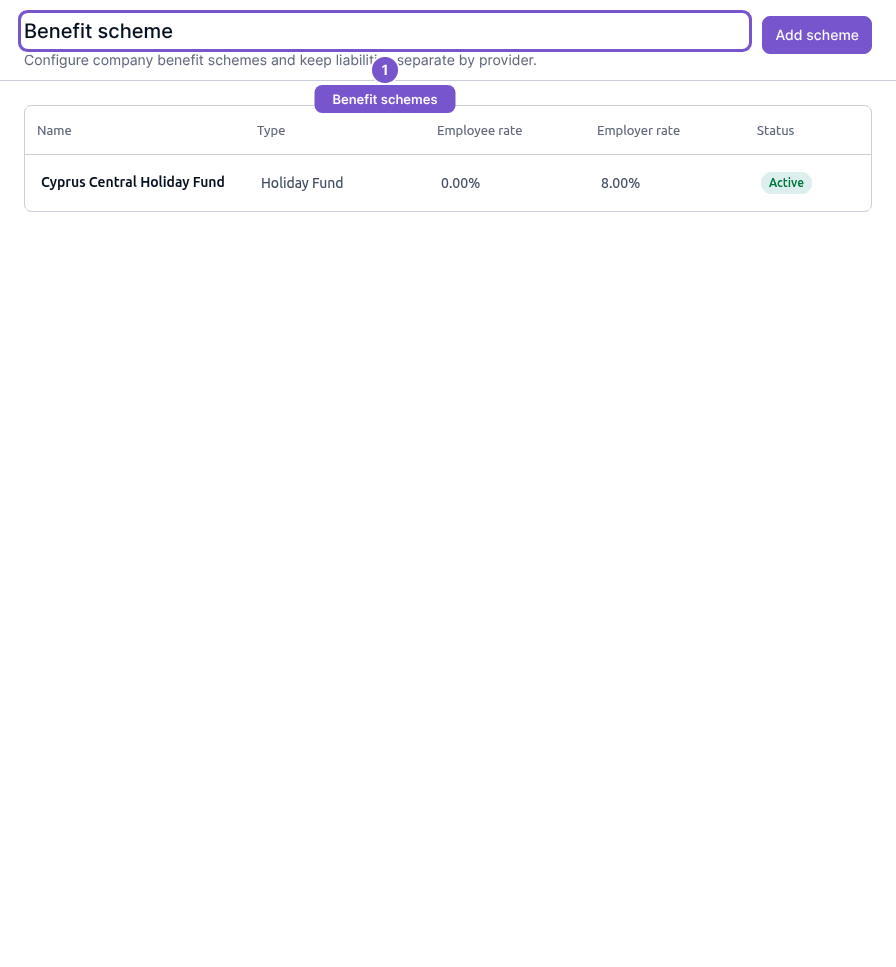
Open Benefit schemes to inspect scheme names, types, employee and employer rates, and status. Add scheme opens creation; selecting an existing scheme opens its edit destination. Merely viewing the register does not change rates, ledger mappings or employee enrollment.
Review the payroll calendar
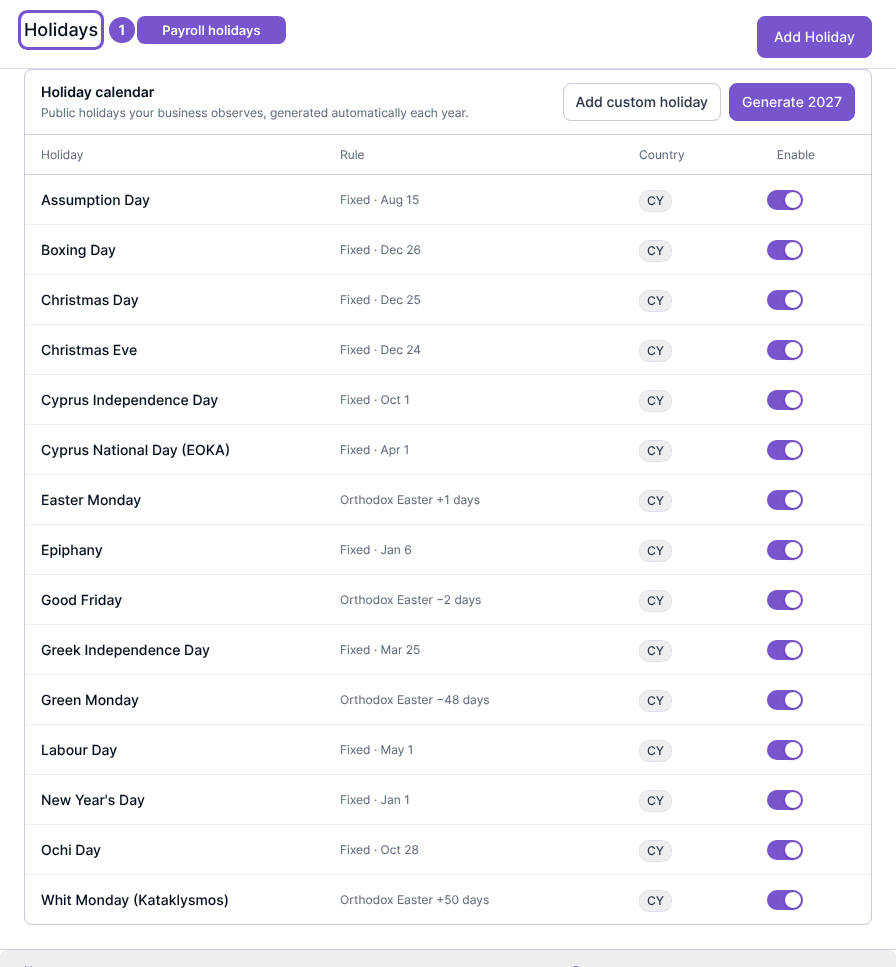
Open Holidays to inspect the holiday register and recurring calendar settings. Add Holiday opens creation, and an existing holiday opens its edit destination. The holiday calendar also offers custom holiday and year-generation actions; those are changes, not part of viewing the list.
Use Work schedules to review schedules or open their create destination. Review dates, workweeks and assignments before saving. The values illustrated in these settings are examples for the displayed company, not a determination of the correct payroll treatment for every employer.