
Review leave requests, approvals and policies
Use the leave register, approved calendar, approval inbox and policy settings.
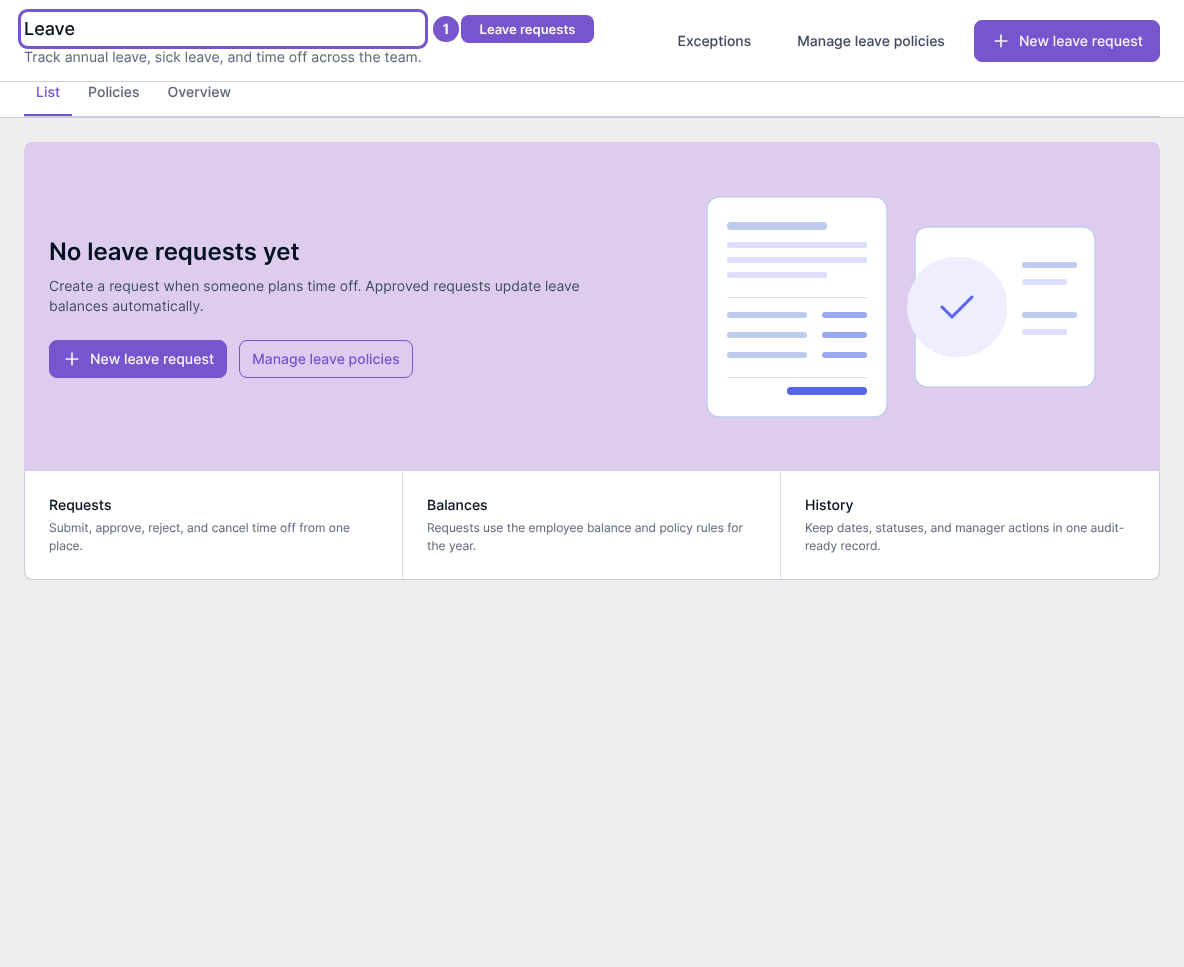
Open Leave to review the request register. New leave request opens the request creation destination when you have access; it does not submit a request merely by opening it.
Review approved time off
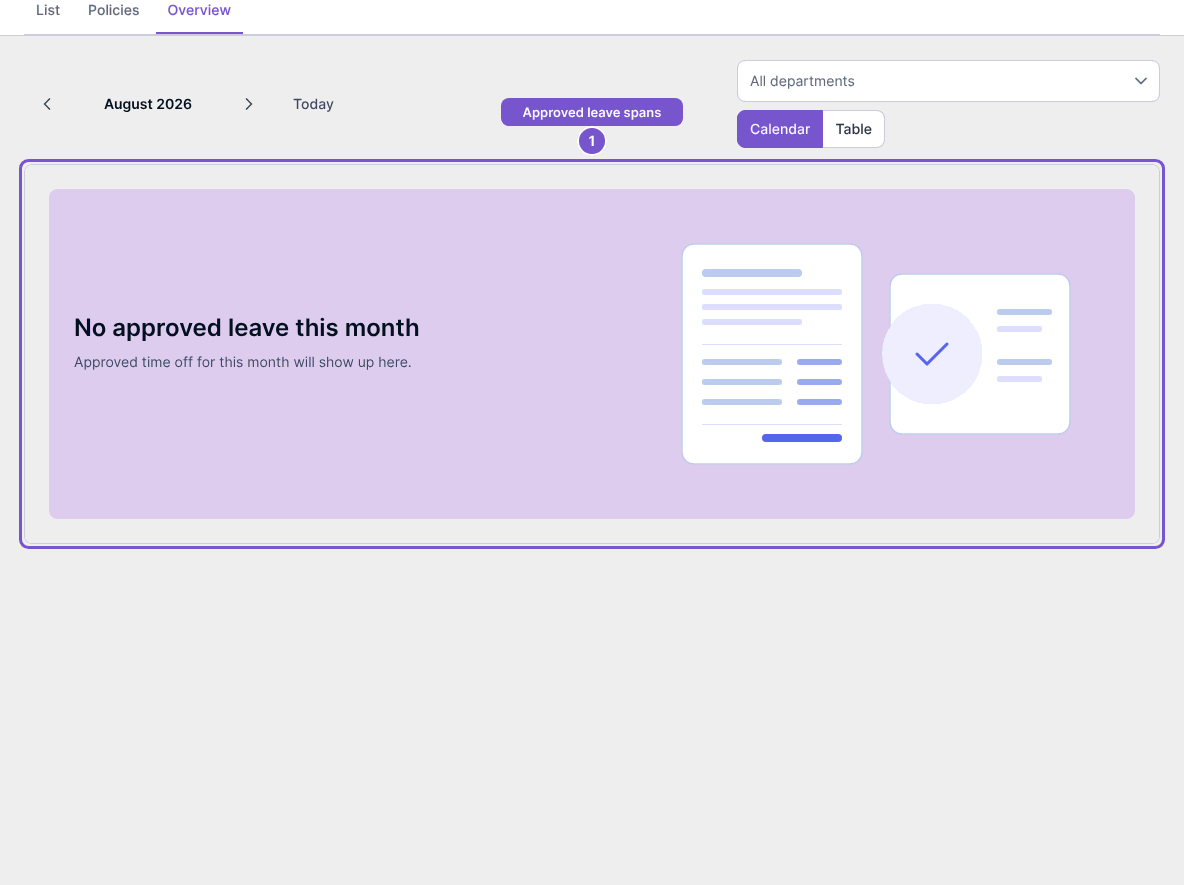
Select Overview. Check the month and department filter, and use Calendar or Table to inspect approved leave spans. No approved leave this month means no approved spans are shown for that selection; it does not mean there are no pending requests. This organization view does not display request reasons.
Review the approval inbox
Open Approvals to review requests within your approval scope. Use Load more when additional pages are available. Nothing to approve means the current inbox has no requests to review. Opening the inbox does not approve or reject anything.
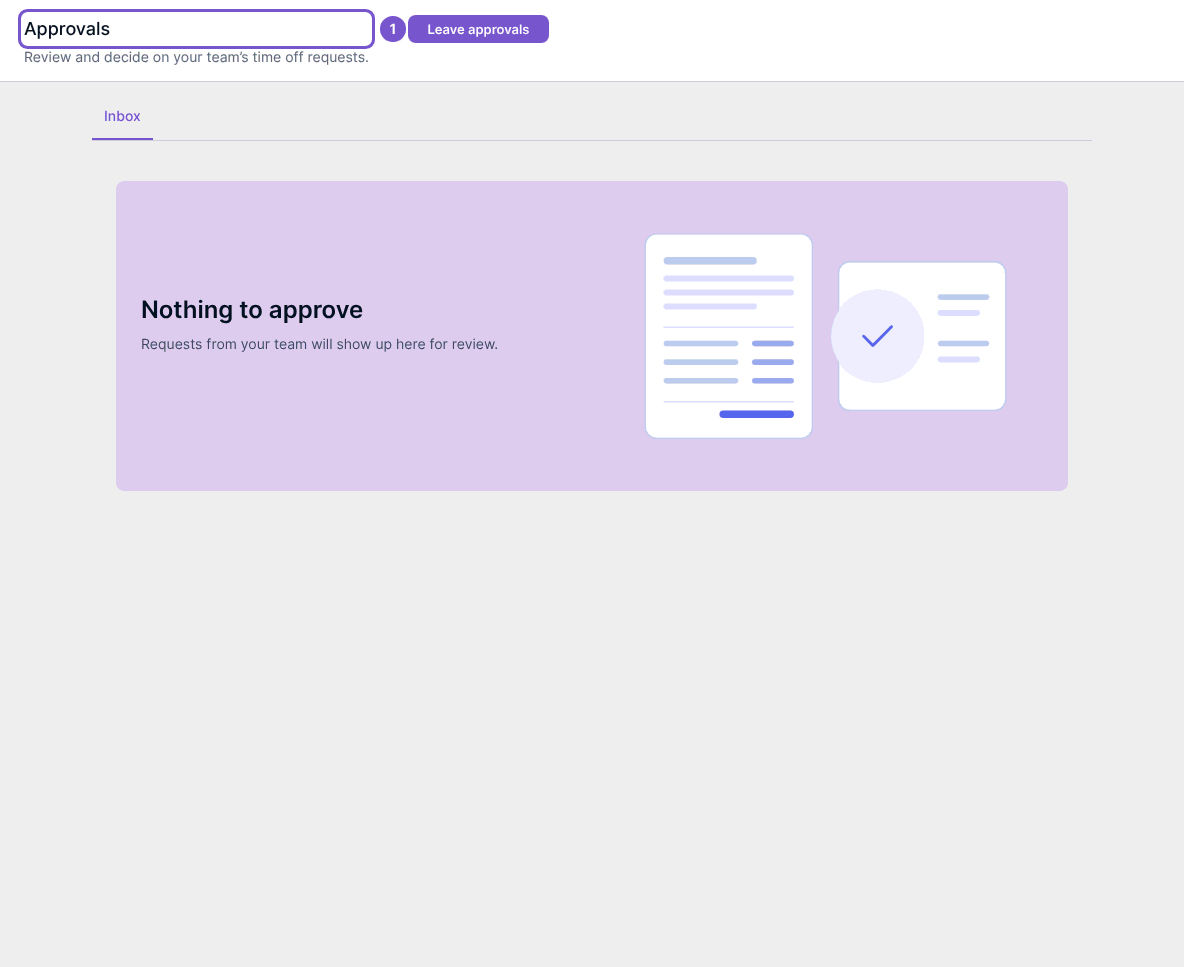
Approval access follows your assigned employees or leave approval permission; you cannot approve your own request. The Team view is limited to employees assigned to you. Use Exceptions from Leave when you have the required approval access to inspect that separate destination.
Review policies
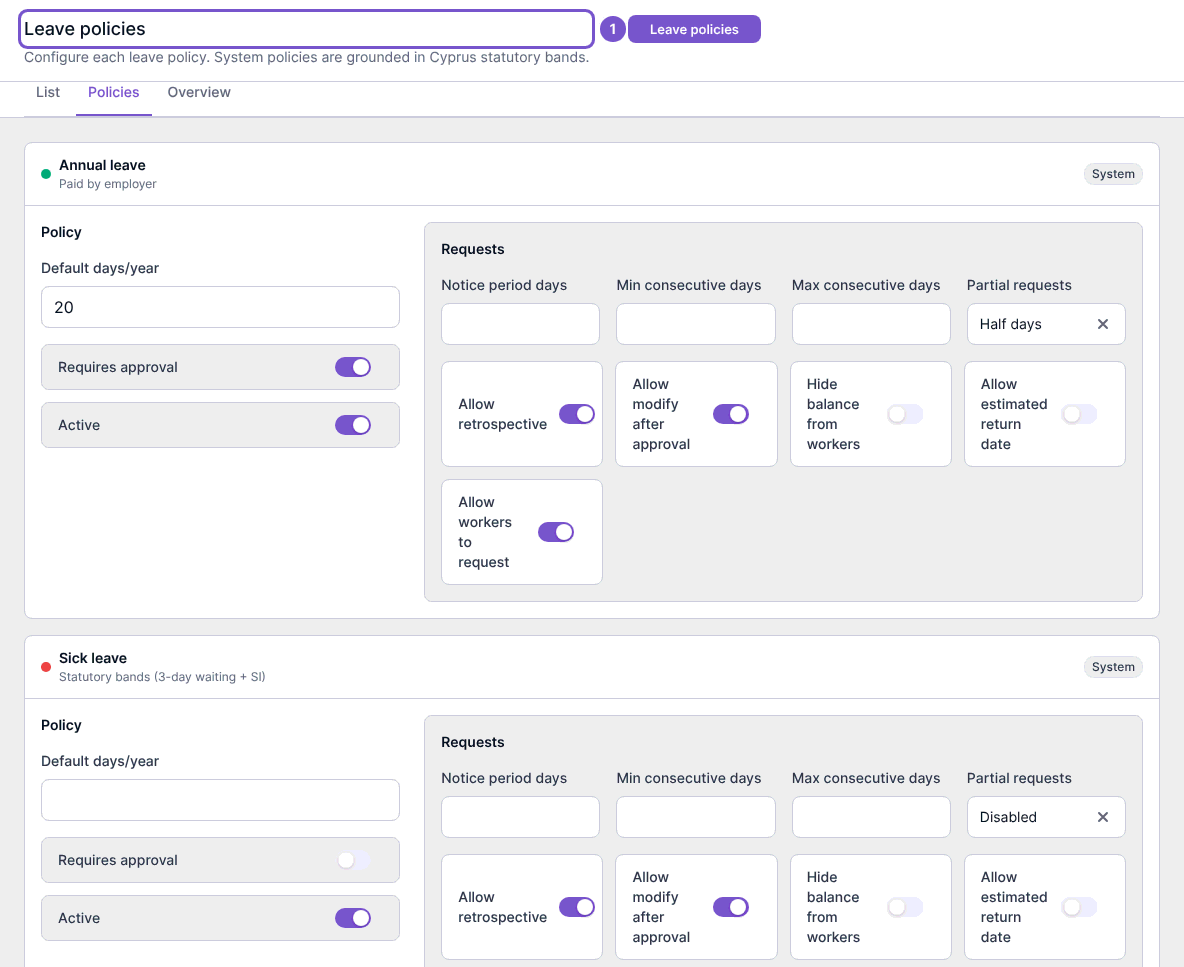
Select Policies or Manage leave policies to inspect policy allowances, approval requirements and request rules. Review the intended policy before changing values or switches: these controls affect leave behavior and worker access.
Reviewing these pages does not change a balance or request. Policy changes, approvals, rejections and cancellations are separate actions; check their results before treating a request as changed.