
Review a draft pay run
Open the selected draft and verify its pay period before further payroll actions.
Open the pay-run list and select Continue Draft for the intended period.
Check the Run Payroll heading and Pay period, then review the draft information available to your account. Confirm that you opened the intended run before making changes.
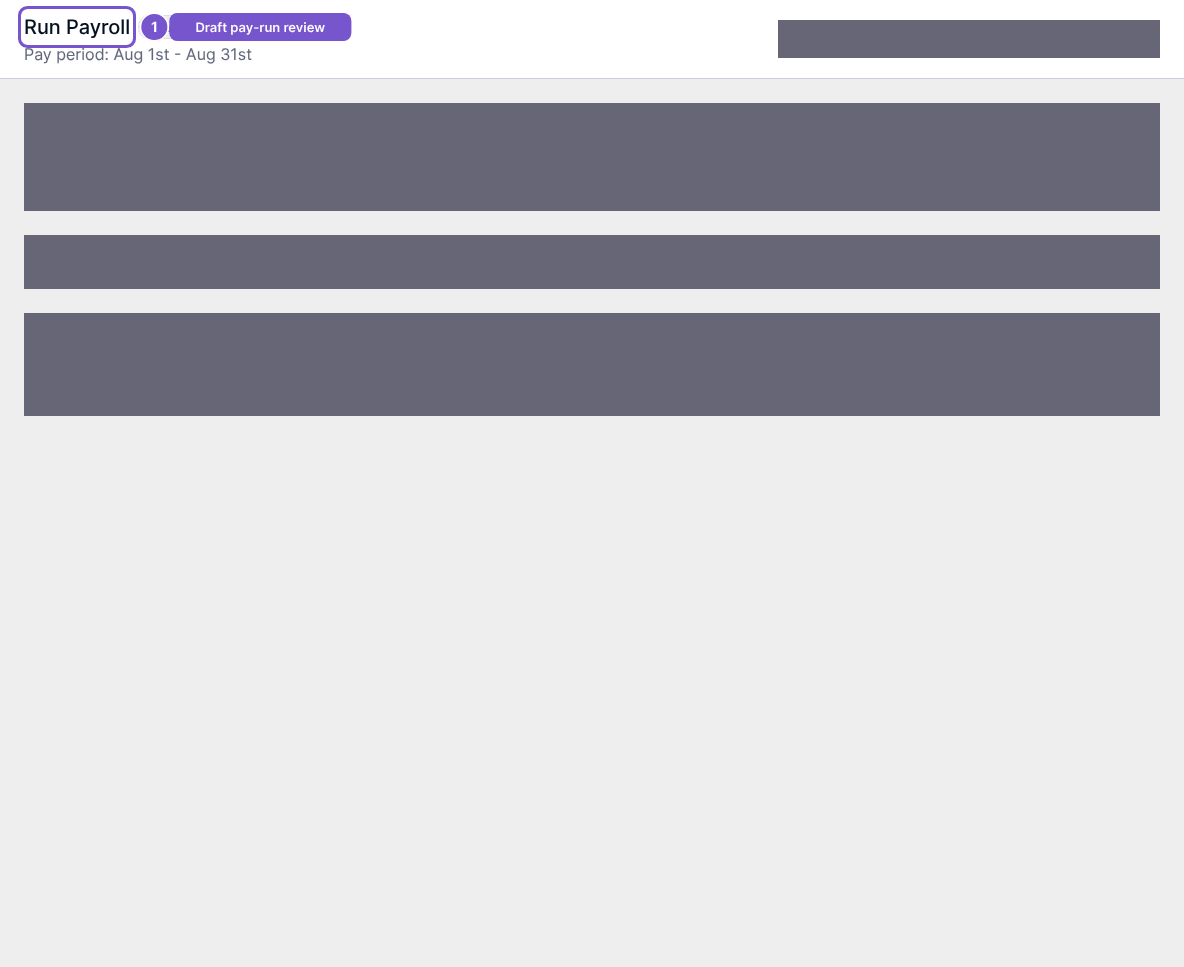
Opening the draft reads its existing state. Saving changes, recalculating, approving, reopening or generating payroll outputs are separate actions with their own checks. A draft view is not evidence that the run has been approved or that employees have been paid.