
Review IP Box assets and settings
Find IP assets, inspect their detail views and review company regime settings.
Open IP Box to review the company's IP asset area. If the regime is off, the overview explains the disabled state and offers a route to settings. Opening the overview does not enable the regime or add an asset.

Inspect an asset
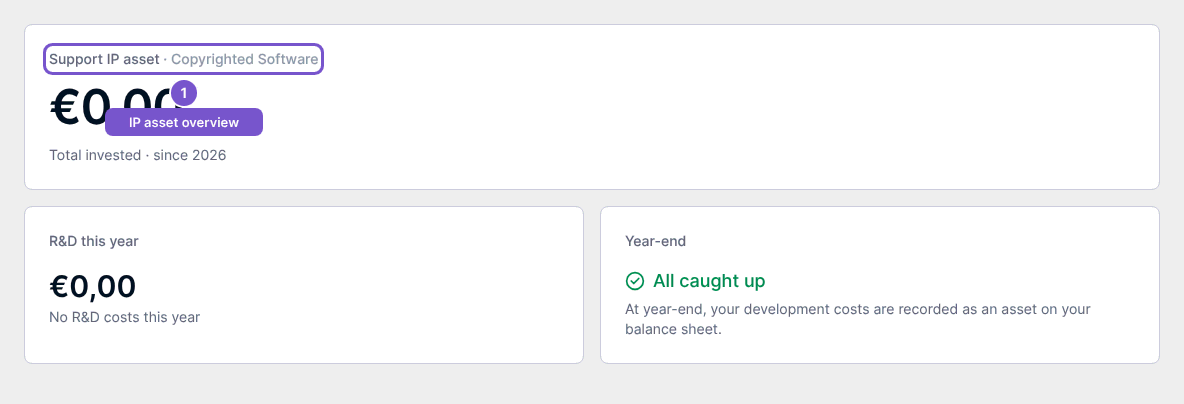
Open the intended asset from the overview. Check Total invested and the asset identity, then use its Overview, Costs, Nexus and Tax impact destinations to inspect the same asset. Opening these views does not capitalize costs or change a tax setting.
Review configuration
Open IP Box Settings and inspect Enable IP Box and Default period (years). Use Manage vendor classifications to review R&D sourcing categories, or Manage capitalizations to return to capitalization work.
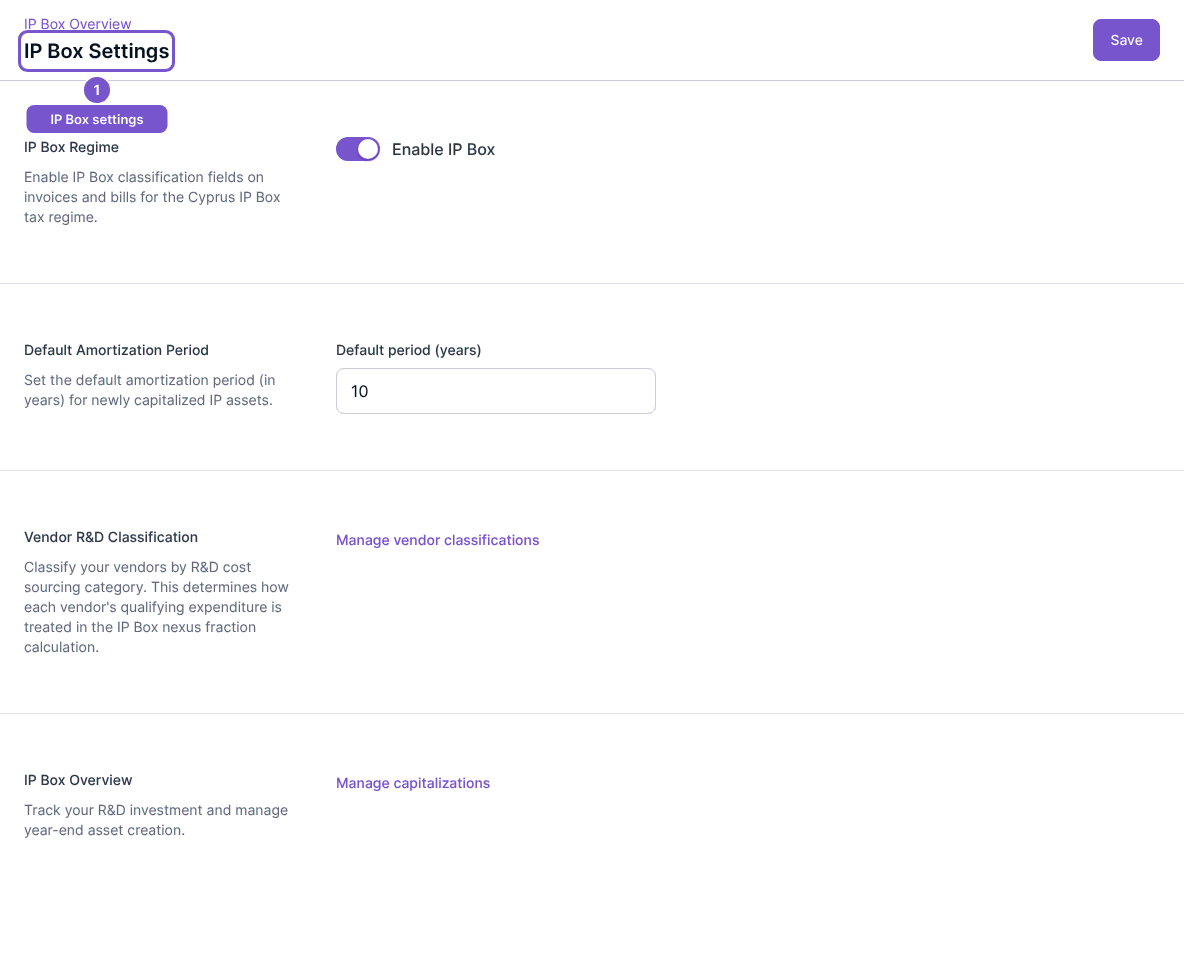
The illustrated ten-year value is an example setting, not a determination of the correct period for an asset. Saving settings, changing vendor classifications and capitalizing costs are separate changes. Have the responsible accountant review the intended treatment before making them.