Review and reconnect Stripe imports
Check the Stripe import connection and reauthorize when needed.
Open the Stripe import connection in Settings, then Integrations.
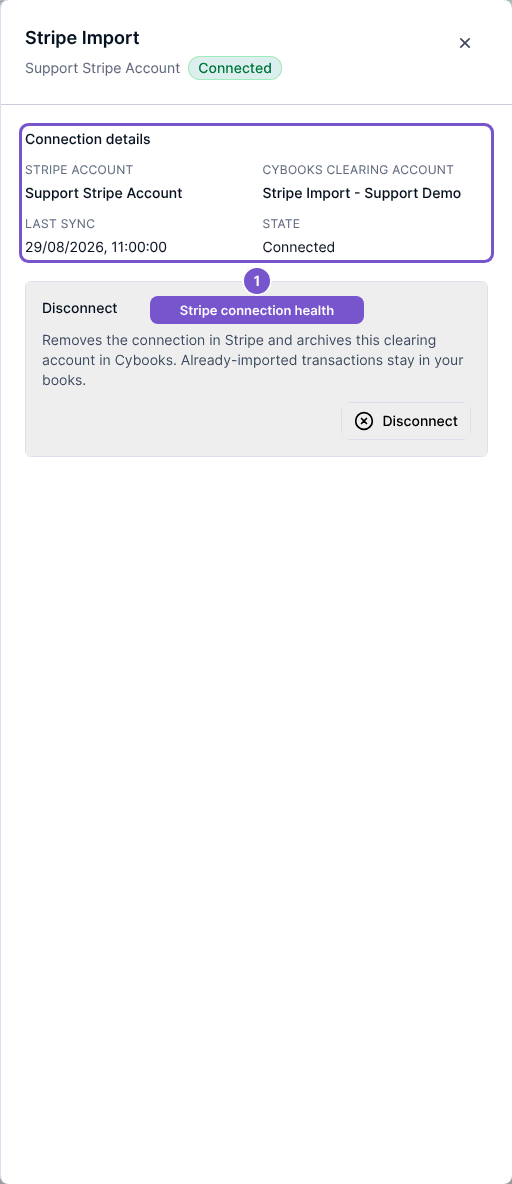
Review Stripe account, the Cybooks clearing account, Last sync and connection state. If authorization is required again, use the reconnection action and complete Stripe authorization for the intended account.
A refresh failure or reauthorization state needs attention before you rely on future imports. Opening the panel reads stored connection information; it does not prove a new synchronization succeeded. Review the result after reconnecting.