Disconnect Stripe imports
Revoke the import connection while preserving imported records.
Open the Stripe import connection in Settings, then Integrations.
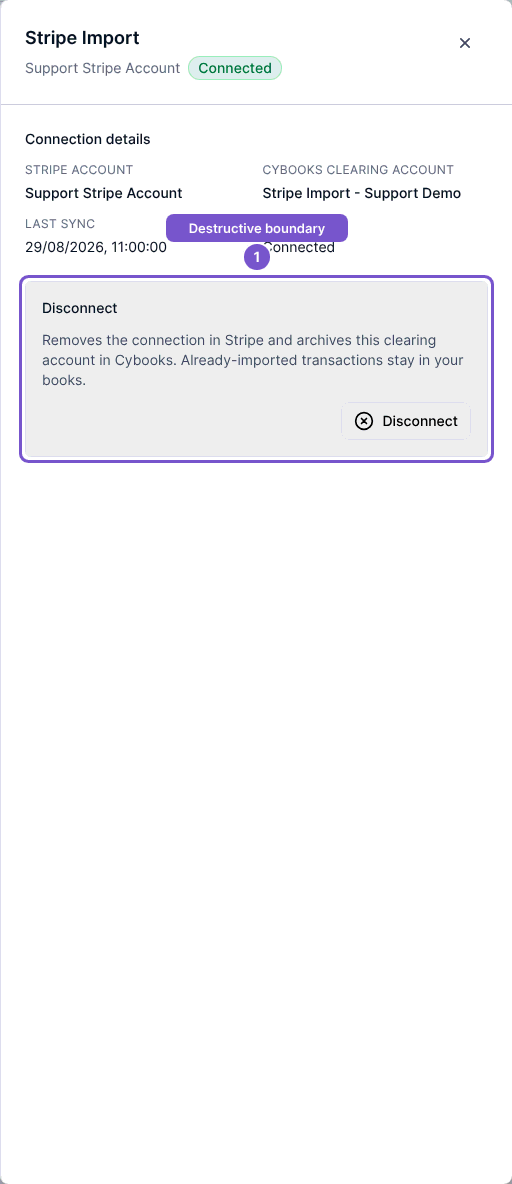
- Check the Stripe account and Cybooks clearing account.
- Read the Disconnect section.
- Select Disconnect only when you intend to revoke the import connection.
- Review the result before assuming imports have stopped.
The button submits the disconnect action directly. Disconnecting removes provider access and archives the clearing account. Imported transactions remain in Cybooks; this action does not reverse their accounting records.