Review and reconnect Shopify
Inspect Shopify connection details and use the appropriate reconnection flow.
Open the Shopify connection in Settings, then Integrations.
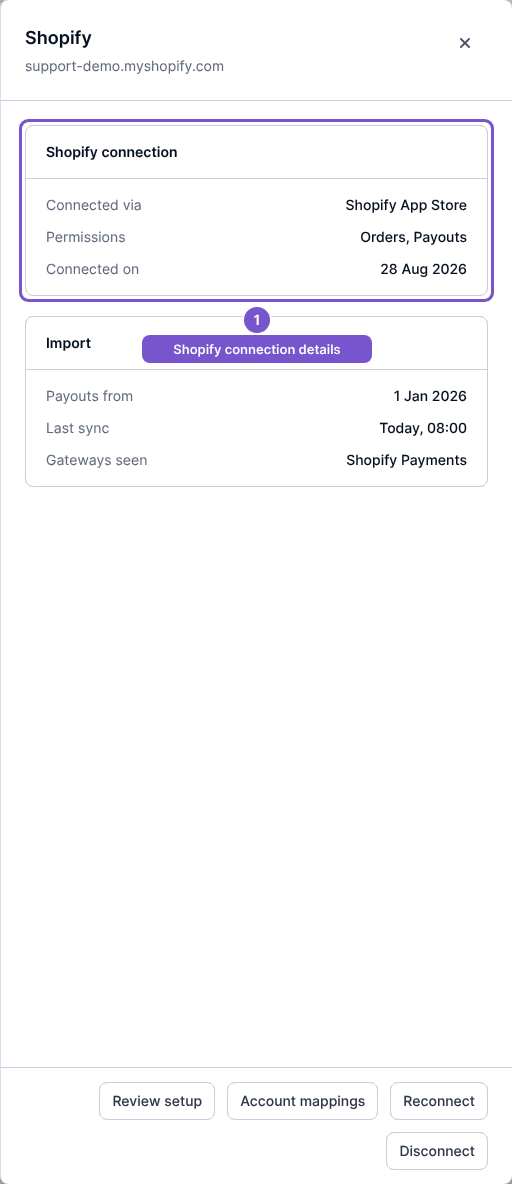
Review the connection method, permissions, import start, Last sync and gateways shown for the store. The available reconnection flow depends on whether you connected through the Shopify App Store or your own app.
Use Reconnect when the connection needs authorization again. For an own app connection, follow the credential flow offered for that connection. Review the result before relying on future synchronization.
Review setup and Account mappings lead to separate configuration work. Opening the connection panel does not rotate credentials, change mappings or start imports.