Disconnect a Shopify store
Stop future Shopify imports while retaining imported records.
Open the Shopify connection in Settings, then Integrations.
- Check the store you are managing.
- Select Disconnect.
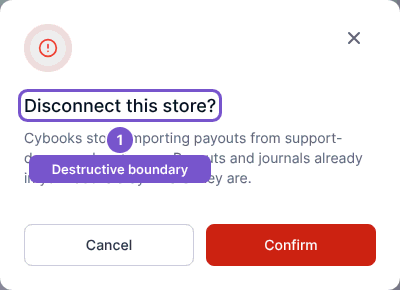
- Read Disconnect this store and select Confirm to proceed, or Cancel to keep the connection.
- Review the result.
Disconnecting stops future imports. Existing payouts and journals remain in Cybooks. It does not reverse their accounting effect or remove them from the books. If the action reports an error, check the connection state before assuming it has stopped.