Connect Shopify with your own app
Use the Shopify setup wizard to validate app credentials and configure imports.
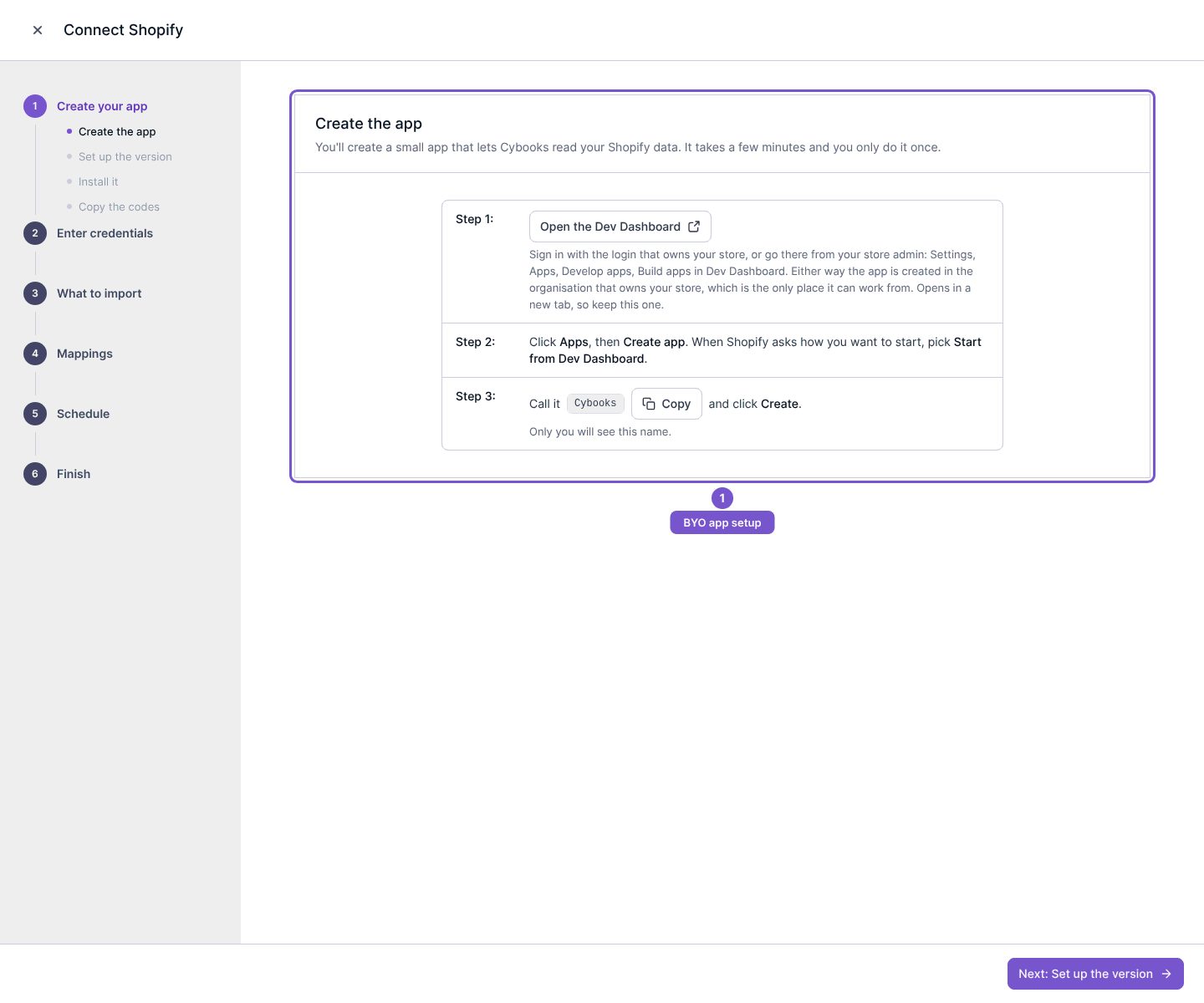
Open the Shopify connection wizard and choose the own app setup.
- Follow Create your app to create the app in Shopify's Dev Dashboard for the intended store.
- Continue to Enter credentials and provide the app credentials requested by the wizard.
- Validate the credentials. Correct invalid credentials or missing access before continuing.
- Review What to import, Mappings and Schedule, then review Finish before completing setup.
Creating the app or entering credentials does not itself complete every setup step. Credentials are validated through the explicit connection action and stored securely; do not place them in support messages or article comments. Review the requested read access for the import connection.