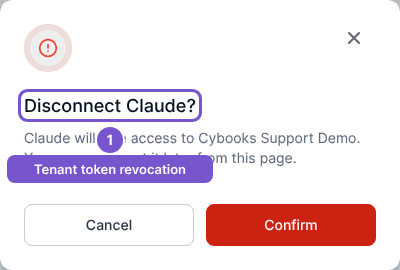
Disconnect Claude
Revoke Claude access for the current Cybooks company.
Open the Claude connection in Settings, then Integrations.
- Check that the active company is the one whose connection you want to revoke.
- Select Disconnect.
- Read Disconnect Claude? and select Confirm to proceed, or Cancel to leave it connected.
- Review the result.
Disconnecting revokes the active access and refresh credentials for this company's Claude connection. It does not disconnect another company's connection or undo accounting changes already made.