Review Amazon revenue completeness
Compare imported settlement revenue with Amazon VAT report revenue.
Open the Amazon connection and select Open close control to reach Revenue completeness.
Review the settlement principal and VAT report revenue for the same orders and period. Check differences and in-transit amounts before considering a period ready. A settlement that has not been posted is not treated as posted revenue in this comparison.
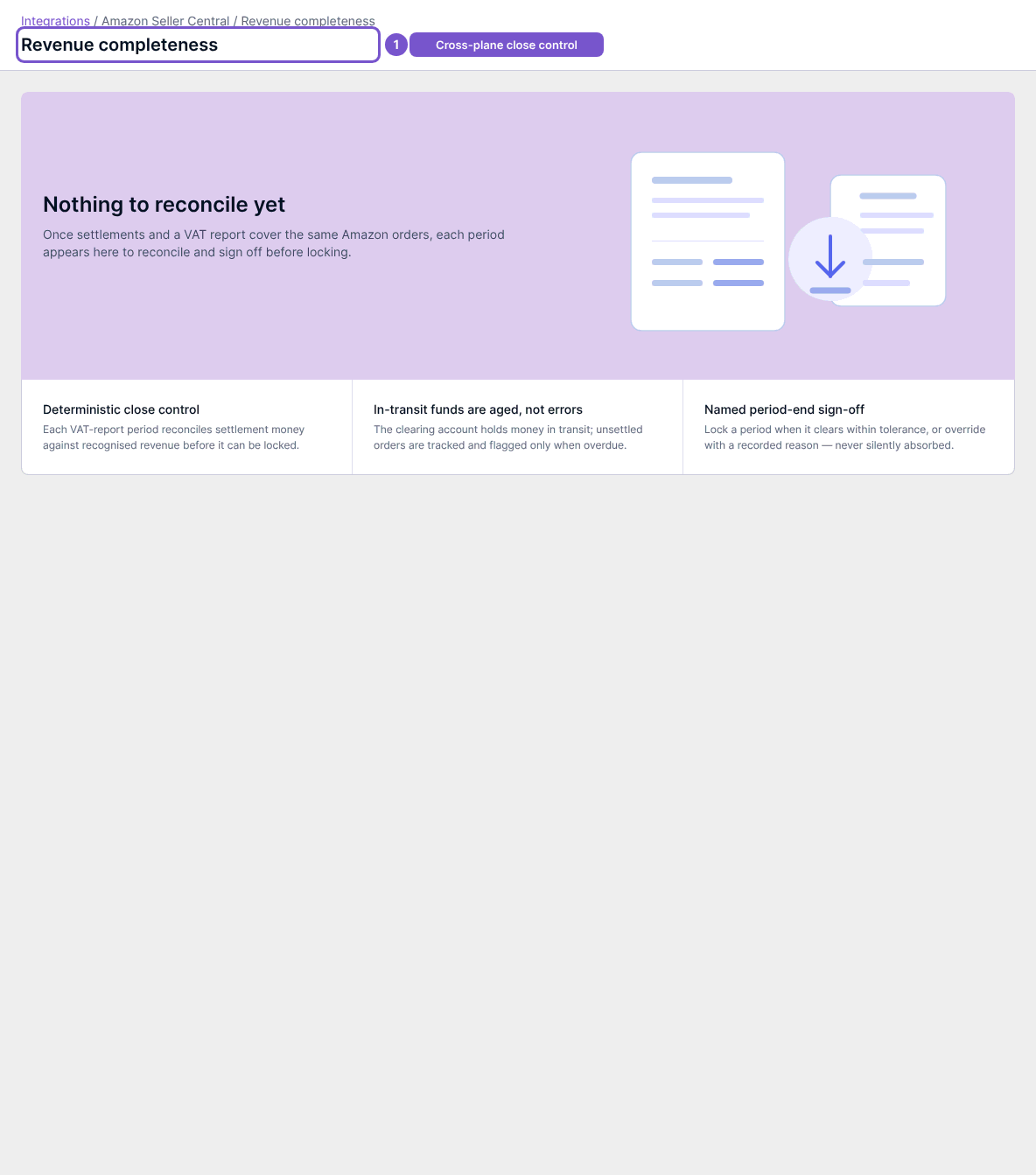
An empty view means there is not yet matching settlement and VAT report data to reconcile. An in-transit item within its expected window is different from an aged item or a difference outside the allowed tolerance. Review the named exceptions rather than assuming every difference is an error.
Period sign-off is a separate authorized action. It records the reviewed state; later changes can produce drift that needs review. Opening this report does not sign off or reopen a period.