Review and reconnect Amazon
Check the stored Amazon connection state and reauthorize when required.
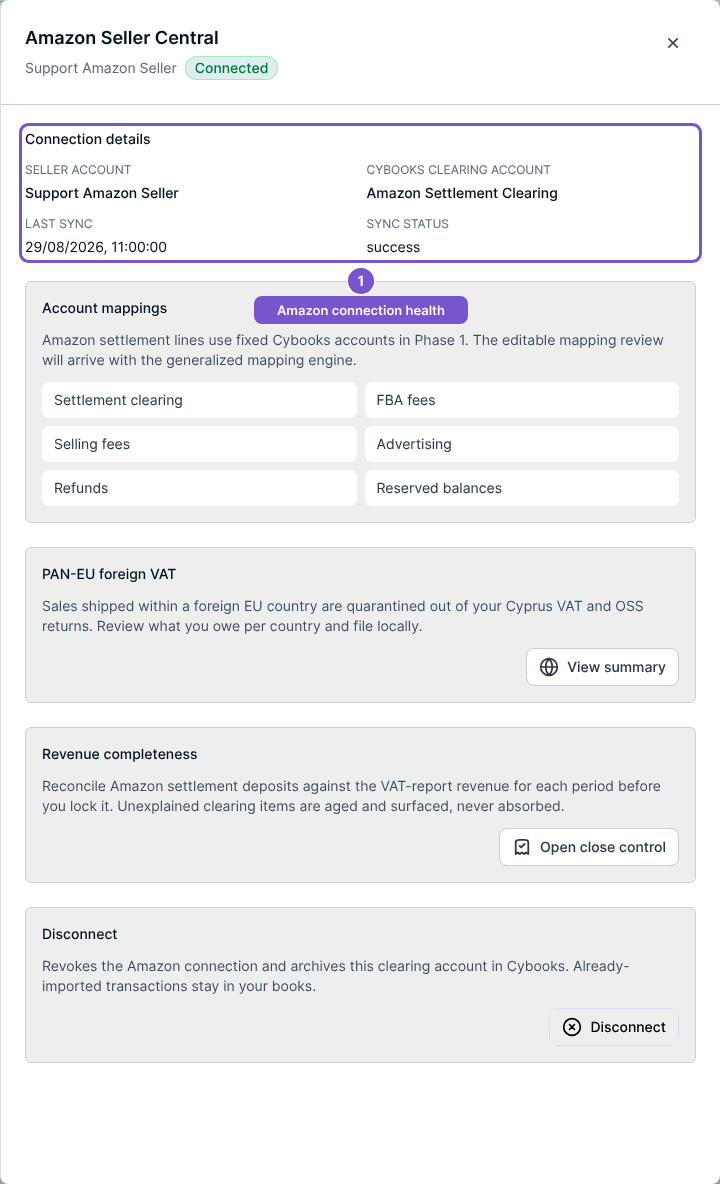
Open Settings, then Integrations, and open the Amazon connection.
- Check Seller account and Cybooks clearing account.
- Review Last sync and Sync status.
- If the connection requires reauthorization, use its reconnect action and complete authorization for the same intended seller account.
- Return to Cybooks and review the resulting state.
Opening this panel reads the stored connection state. It does not itself contact Amazon to prove that credentials are healthy or start an import. Treat an error or reauthorization state as something to resolve before relying on future synchronization.