Review Amazon foreign VAT
Inspect the imported foreign VAT summary by country.
Open the Amazon connection in Settings, then Integrations. In PAN-EU foreign VAT, select View summary.
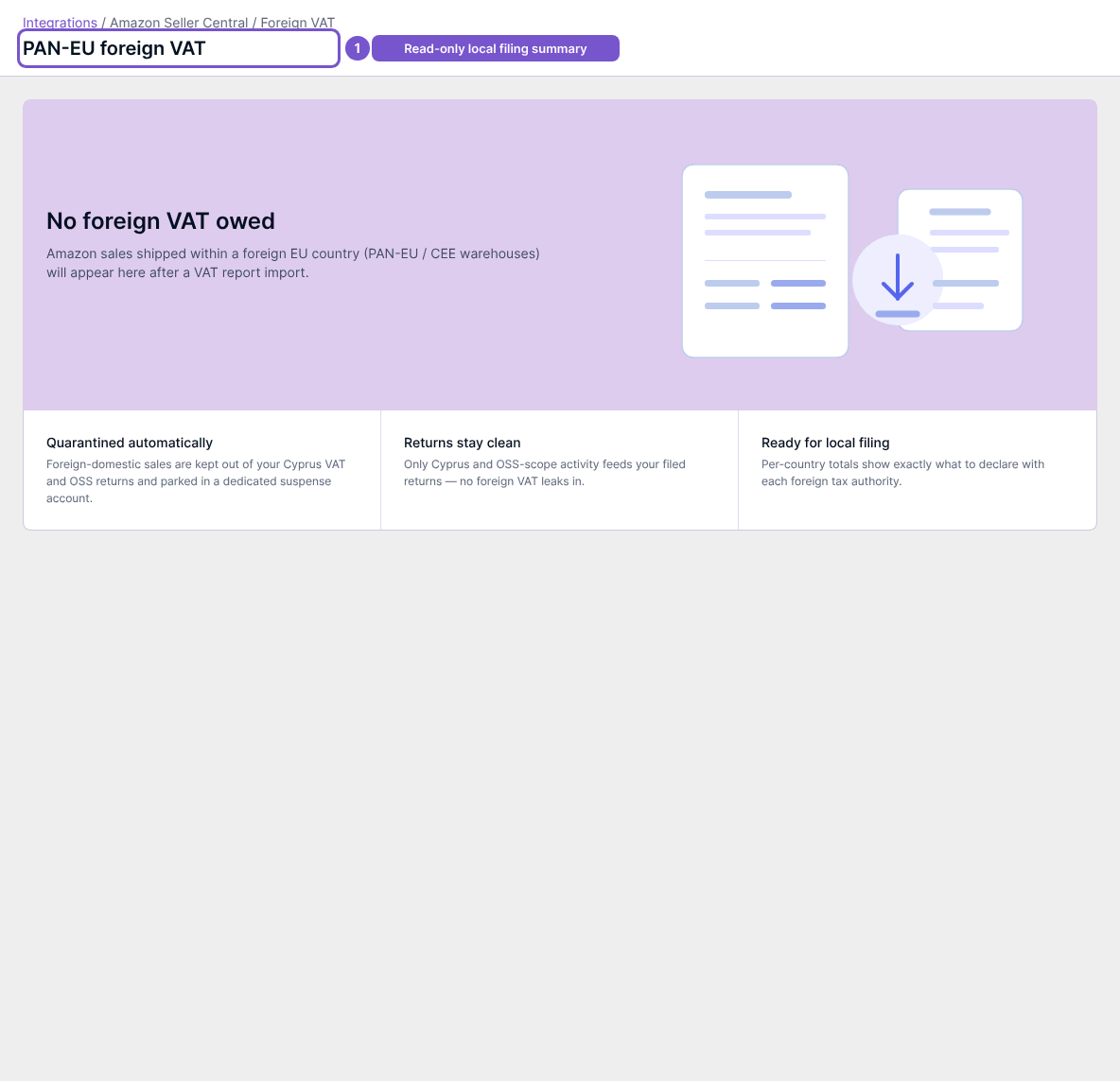
Review the countries, periods and amounts represented in the summary. Foreign domestic sales are separated from the Cyprus VAT and OSS reporting paths. The summary is based on imported Amazon VAT report data, including refund adjustments.
If the page says No foreign VAT owed, check whether the relevant VAT report has been imported and whether you are looking at the intended period. An empty imported-data summary does not establish that your business has no tax obligation. Have the responsible accountant review the applicable country treatment.