
Read your funding overview
Compare funding totals, claim status and funding-body summaries.
Funding Overview combines claim totals and related summaries in one place.
- Open Funding Overview.
- Compare Outstanding, Total Claimed, Total Received and Total Written Off.
- Review Claims by Status and By Funding Body for the breakdown behind the totals.
- Check Receivables Ledger and Recent Activity. Use View all claims to move to the claim register when you need individual records.
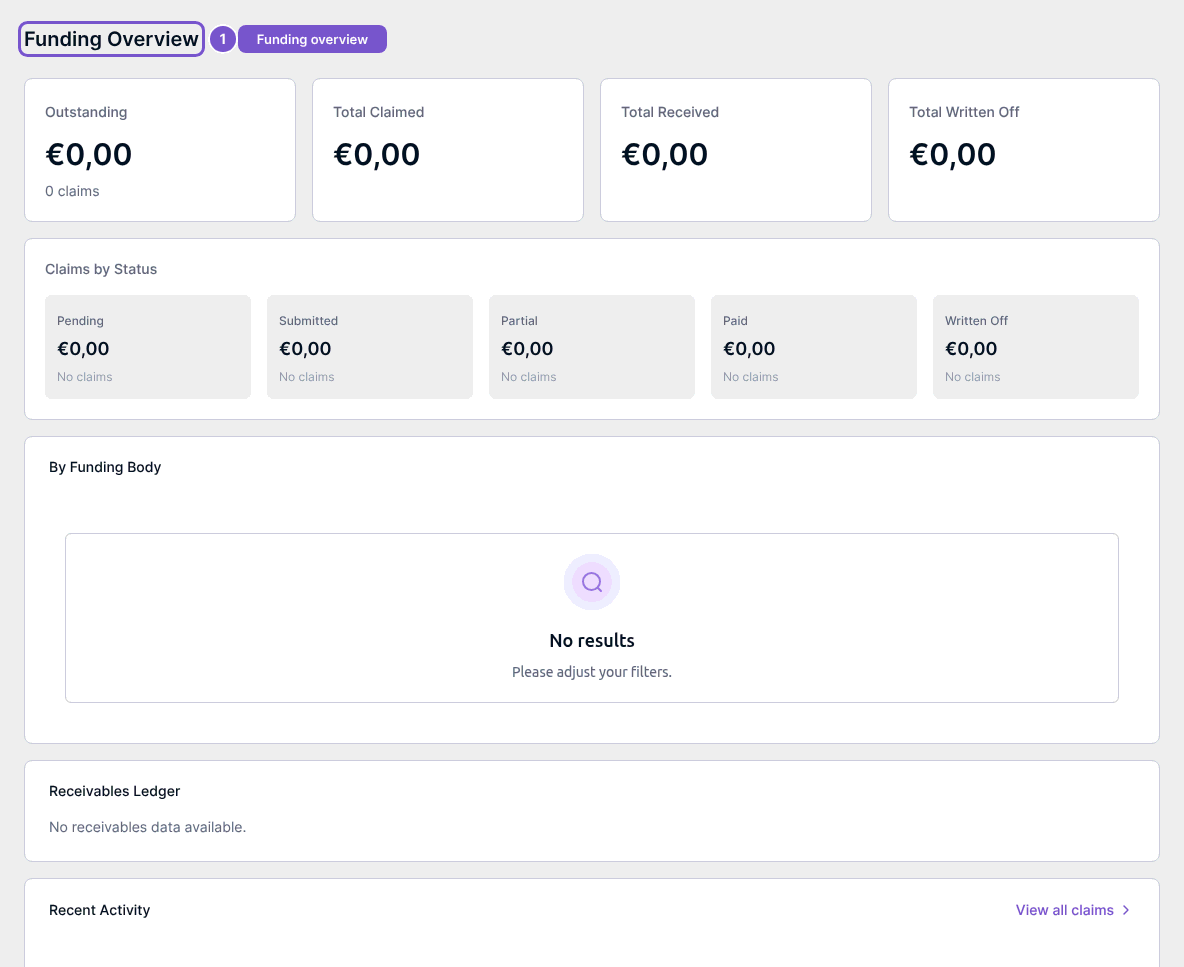
Empty sections or zero totals reflect the data returned for this view. Reading the overview does not settle a claim, write off receivables or post a transaction.