
Find documents and the document-chat entry
Browse documents and identify the separate collaboration surface.
Open Documents to read the folder and document list. Select the folder or document you need to inspect before deciding whether any change is necessary.

Upload file and Add new folder are separate actions from browsing. Their presence depends on your access; viewing documents does not automatically allow you to upload, rename or delete them.
Find document chat
When document chat is enabled, its Cybooks AI page is available alongside the document area. The initial page shows a document-upload surface.
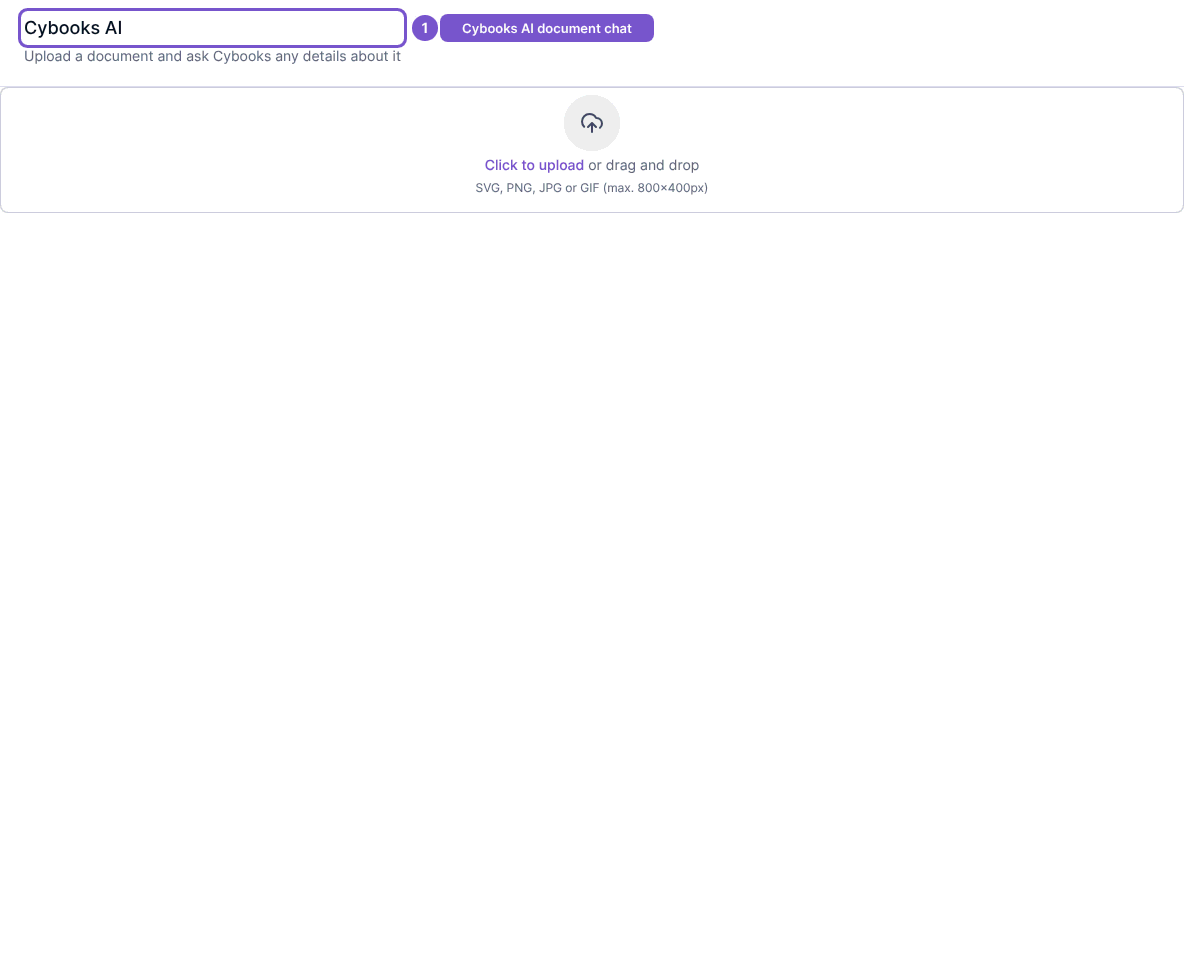
Opening the empty chat page does not upload a file or send an AI request. Choose a document and review the intended action before starting a separate upload or conversation.