
Review contact migration mappings
Inspect current contacts before proceeding to migration review.
Contact Migration starts by showing the current contacts available for mapping to the vendor and customer structure.
- Open Contact Migration.
- On Map current contacts, review the Current Contact and Cybooks columns.
- Check whether every required mapping has been completed before using Next.
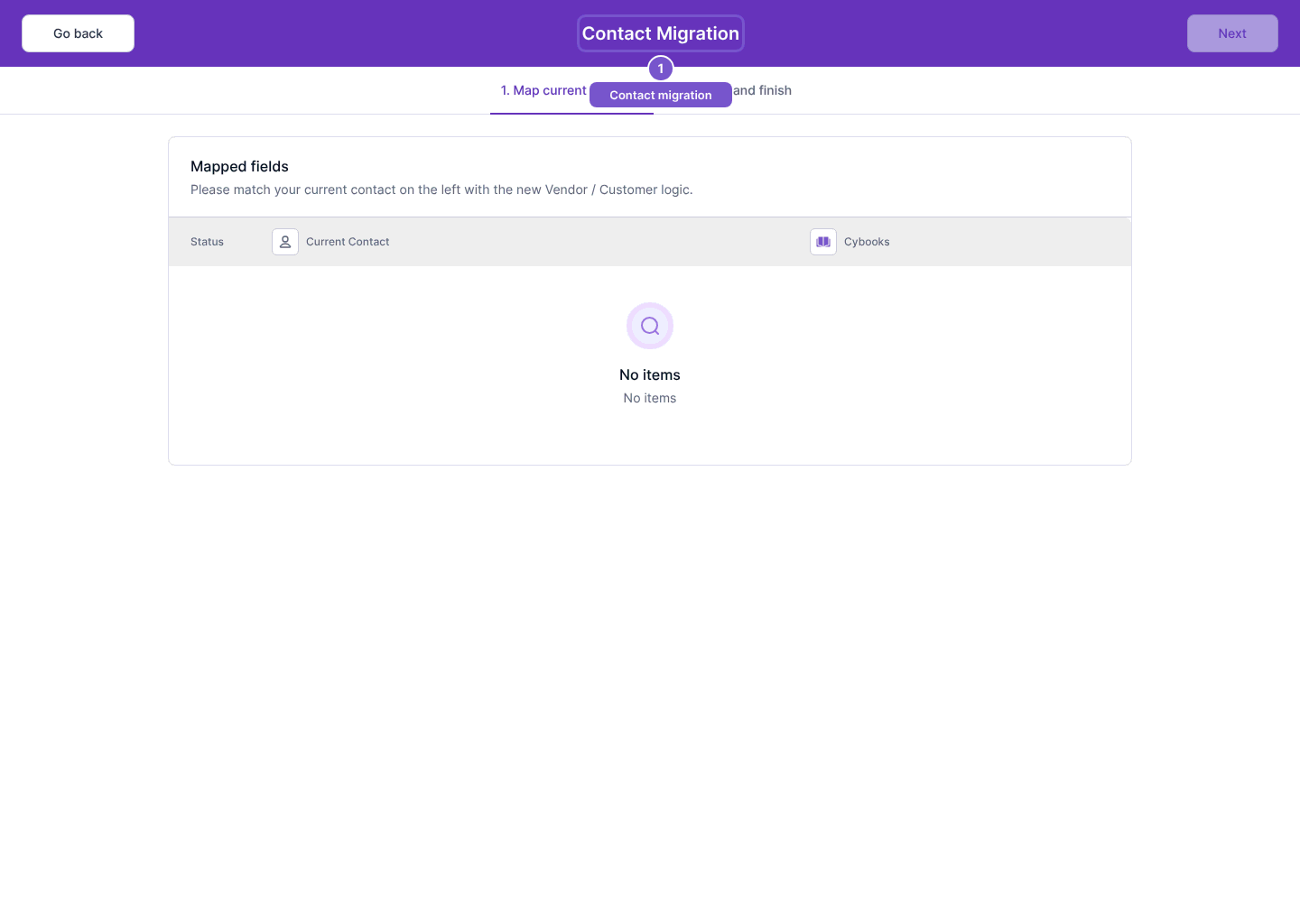
Next is unavailable while mapping is incomplete. Opening the mapping step does not migrate any contacts. Review and finish is a separate step; do not treat a mapping preview as a completed migration.