
Find clips and open a shared recording
Understand the difference between the company clip library and a shared clip link.
Use Clips to find recordings in the company library. Open an existing clip to reach its detail page; a sync-up recording has its own detail destination in the same viewer.

Creating, changing and deleting clips require separate permissions. Opening the library or a detail page does not record, trim or share a clip.
Open a shared clip
- Open the exact sharing link supplied for the recording.
- Check the recording title so you know which clip you received.
- Review the viewer and the available Comments or Transcript tab.
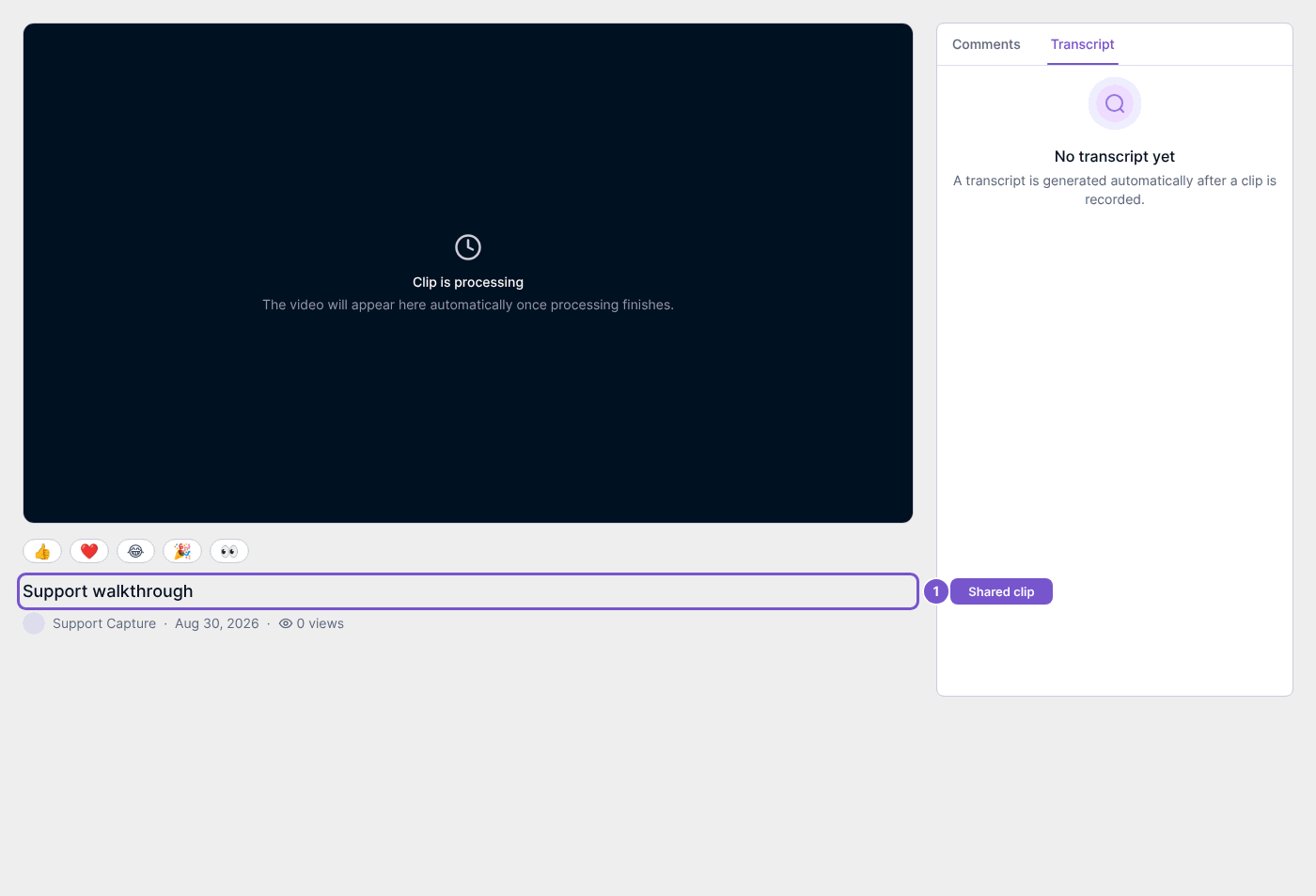
Anyone holding a valid sharing link can access that shared clip without company clip-view permission. Treat the link as access to the recording. A processing message or missing transcript does not mean playback or a transcript is ready; check the state shown in the viewer.