
Open the calendar
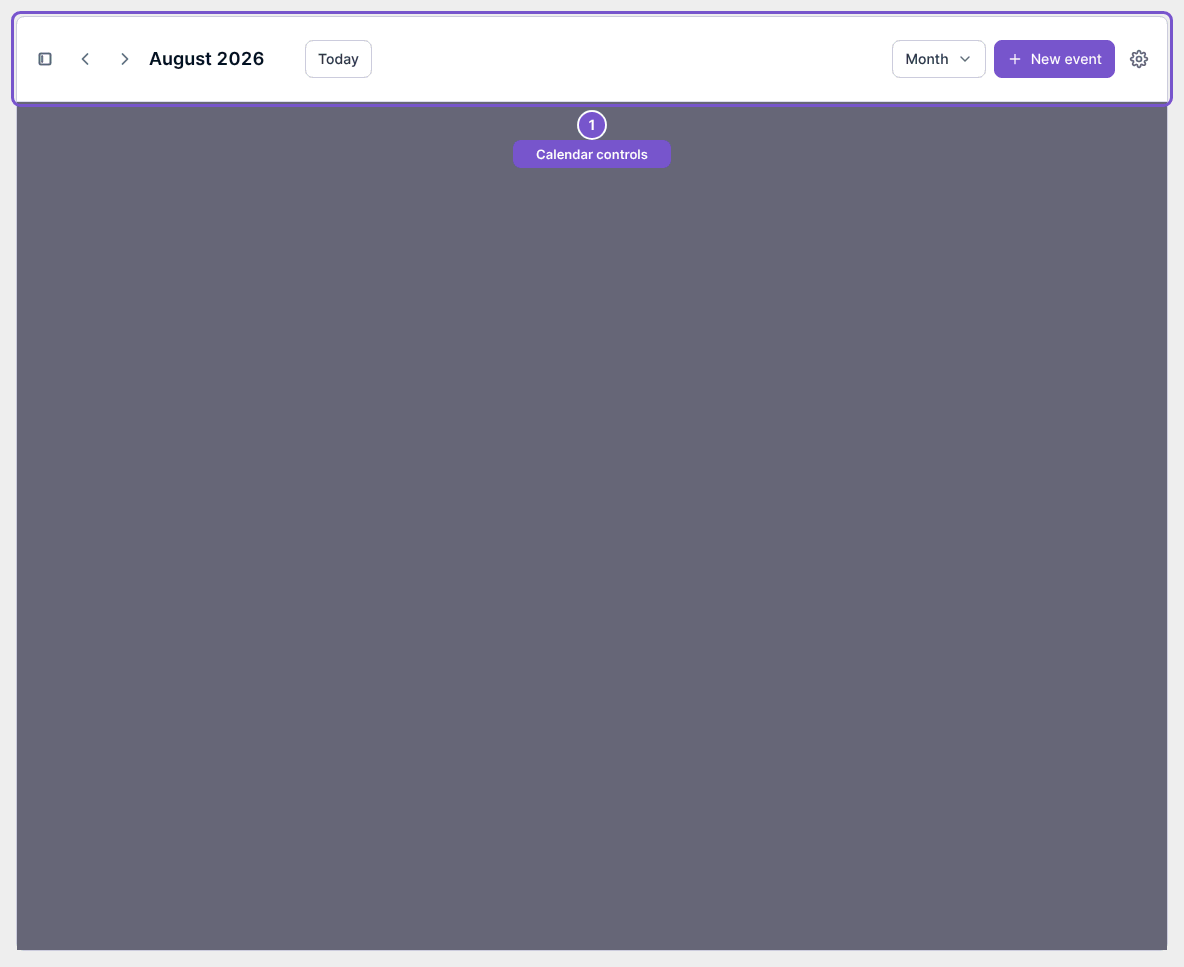
Find your calendar and identify its date and view controls.
Open Calendar to see the calendar feed and your current view preferences.
- Check the displayed month and year in the toolbar.
- Use the date-navigation arrows or Today to choose the period you want to view.
- Check the view selector, such as Month, when orienting yourself in the calendar.
Viewing the calendar is separate from creating or changing events. New event requires create access, and editing or deleting an event has its own permissions. If Calendar is unavailable, check both your access and whether the feature is enabled for the company.