
Review a transfer between bank accounts
Choose the destination account before recording a bank line as a transfer.
Use Transfer for money moving between your bank accounts, so the two sides are handled together.
Prepare the transfer
- Open the source bank account and choose To review.
- Open the outgoing statement line and select Transfer.
- Choose the other account in Bank Account.
- Review the transfer before submitting the final action.
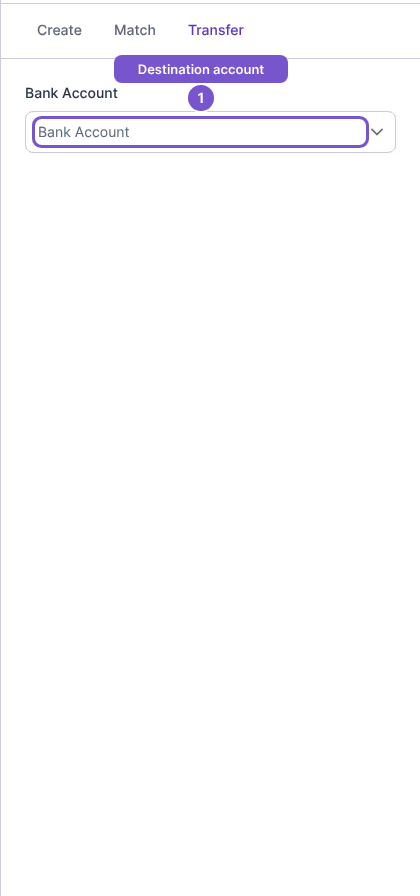
Selecting the destination alone does not record a transfer. On finalization, Cybooks creates or links the opposite leg together with the transfer. Check the accounts carefully before proceeding; this guide does not establish a transfer from an unselected account.