Investigate a balance difference or missing match
Compare bank and books balances, then review available records before reconciling.
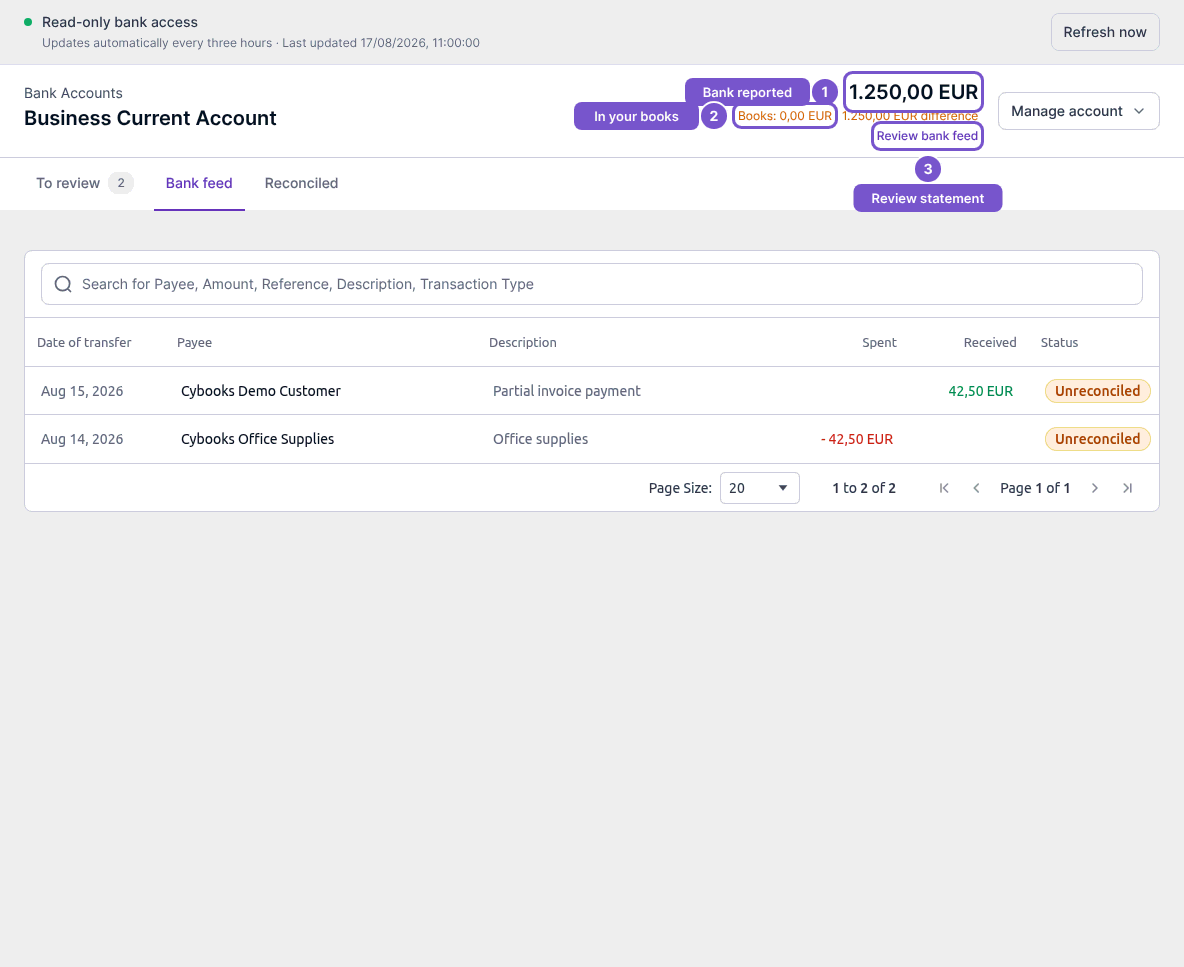
A bank-reported balance and the balance in your books represent different views. Cybooks displays them separately rather than silently changing one to match the other.
Check a balance difference
- Open the account and compare the bank balance with Books and the displayed difference.
- Select Review bank feed to inspect the statement lines.
- Check the relevant dates, amounts and reconciliation status before deciding what needs correction.
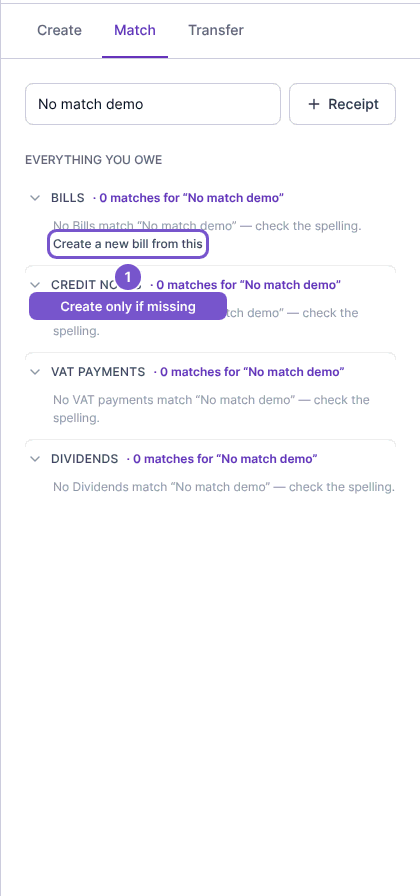
If Match finds nothing
Open the bank line's Match tab and review the search text and record group. A message saying that no records match the query can mean the spelling or filter needs attention. It is not proof that the document does not exist.
Create-from-payment actions are offered only for supported record types, such as bills or invoices. Confirm that the record is missing before using one; searching and opening a create action do not themselves reconcile the bank line.