Review and reconcile a bank statement line
Compare a bank line with documents or prepare a categorization before saving.
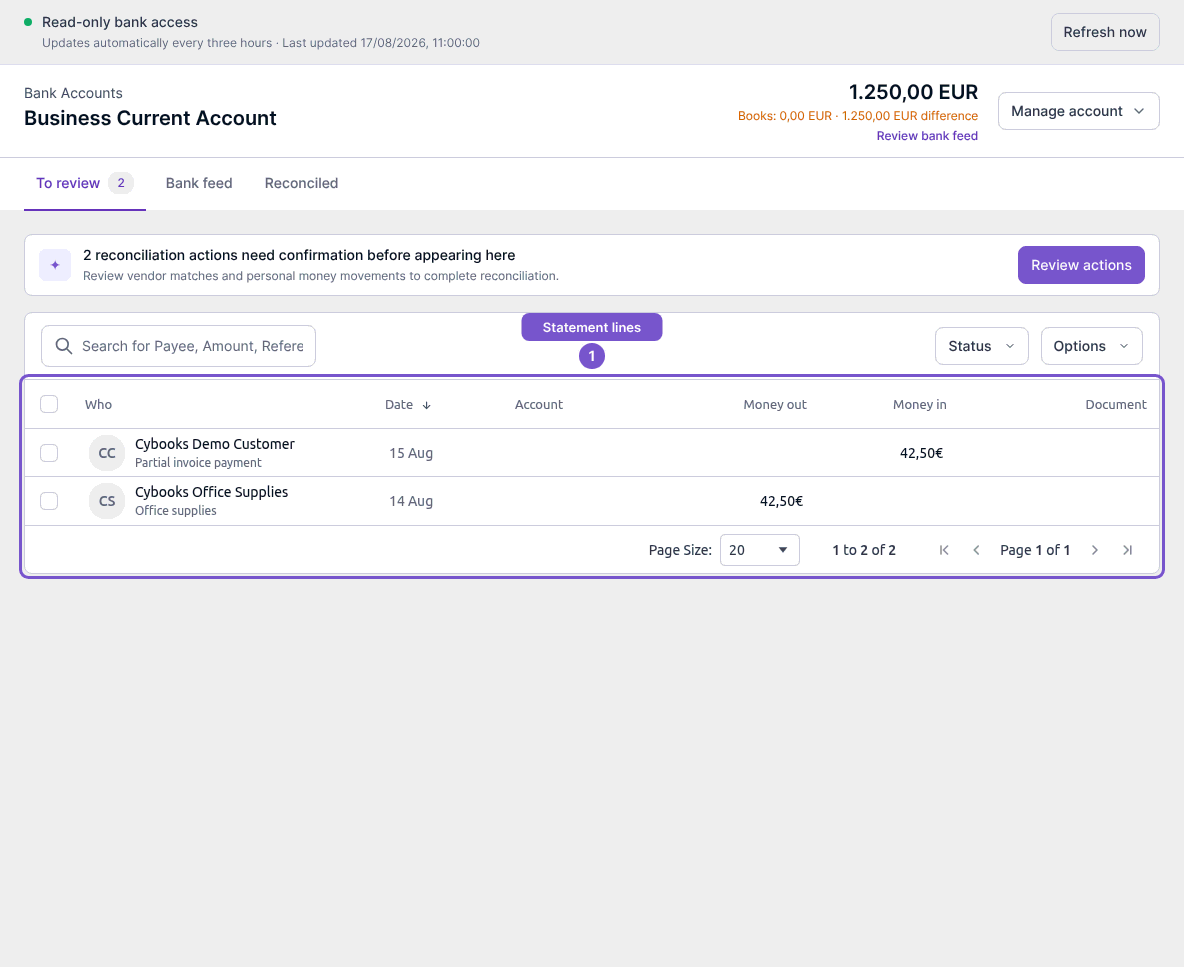
Open the bank account and select To review. Choose the statement line you want to investigate; opening its review panel does not book it.
Match an existing document
- Open Match and review the suggested documents.
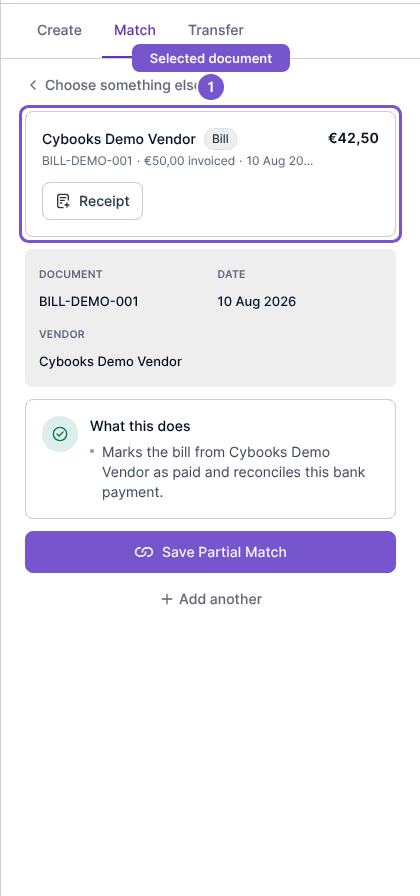
- Select the correct document and check its number, contact and amount.
- Read What this does before saving. Use Choose something else if the selection is wrong.
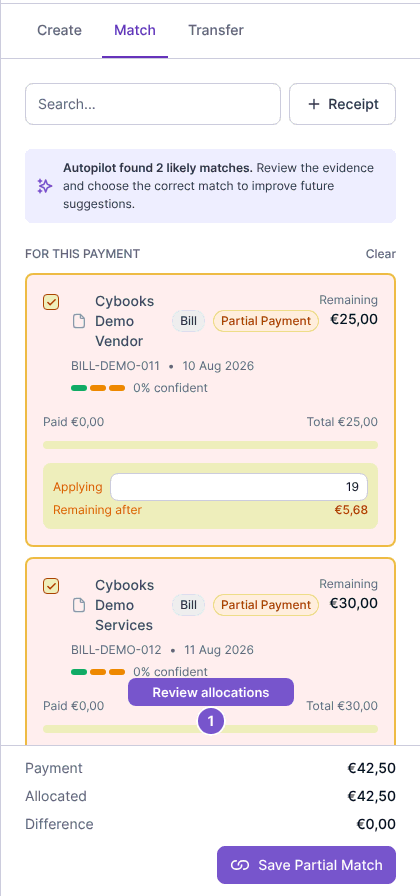
For a payment covering several documents, use Add another and review each allocation. Compare Payment, Allocated and Difference before the final action. Selecting candidates is separate from saving the booking.
Prepare a categorization
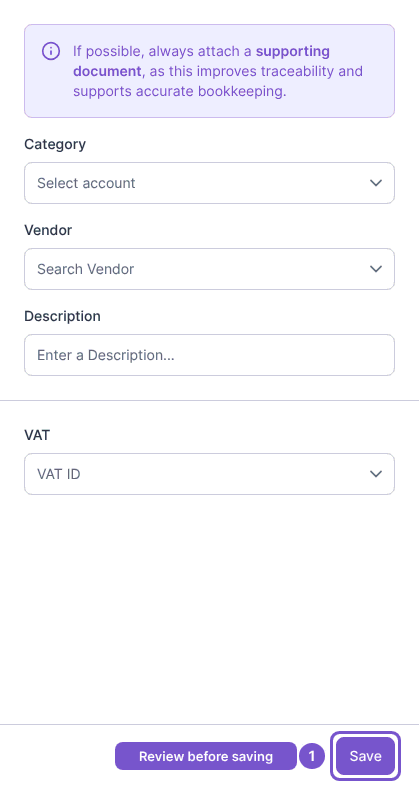
Use Create when you need to categorize the line. Review the Category, contact, Description and VAT fields. Save submits the categorization; entering values alone does not change the books.
Add supporting evidence
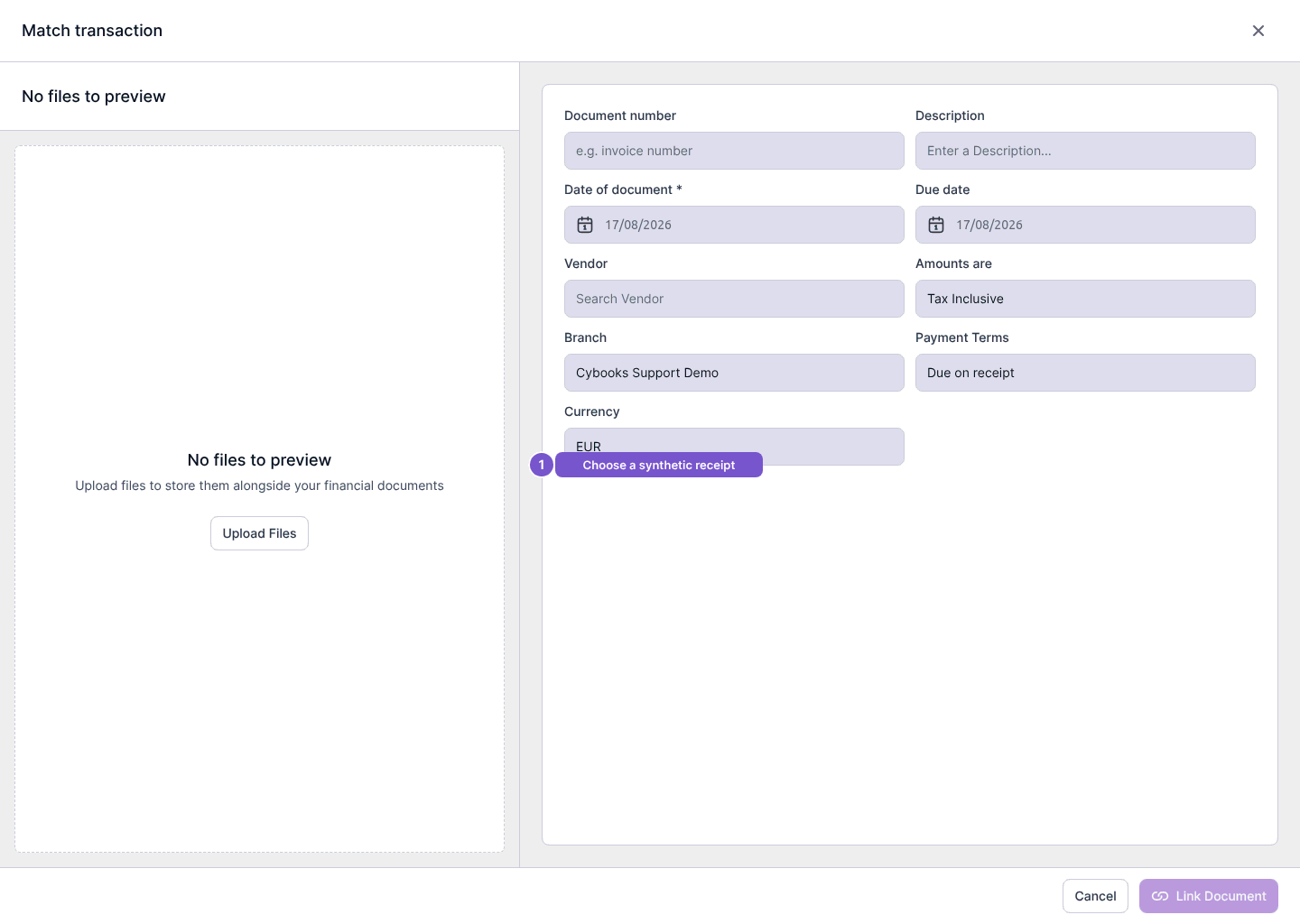
For an outgoing line, Receipt opens the document-upload surface. Choose a file there and review its details before linking it. Opening the modal alone does not attach a document or complete reconciliation.