Fix missing or duplicate bank-feed transactions
Check connection health and duplicate warnings before changing bank lines.
Start with the feed's connection status before trying to recover missing transactions.
If imports have stopped
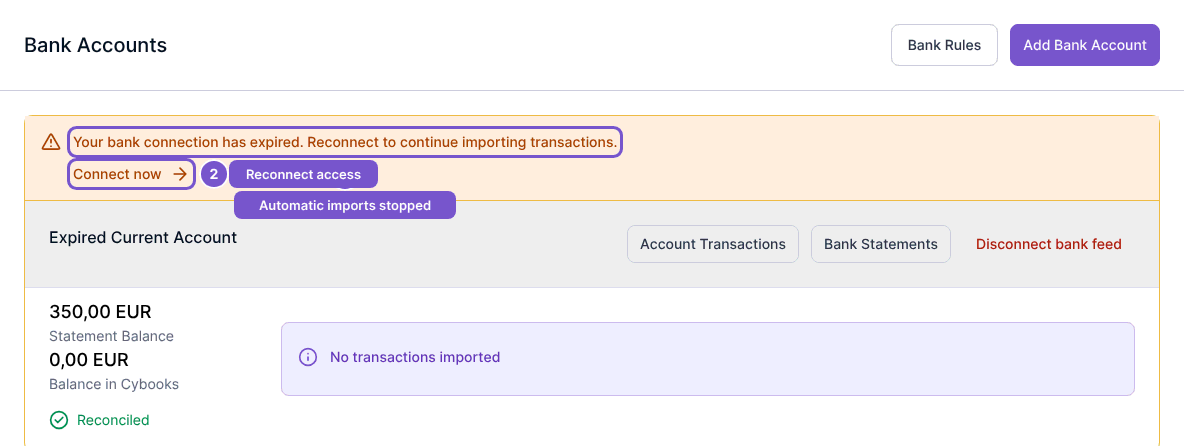
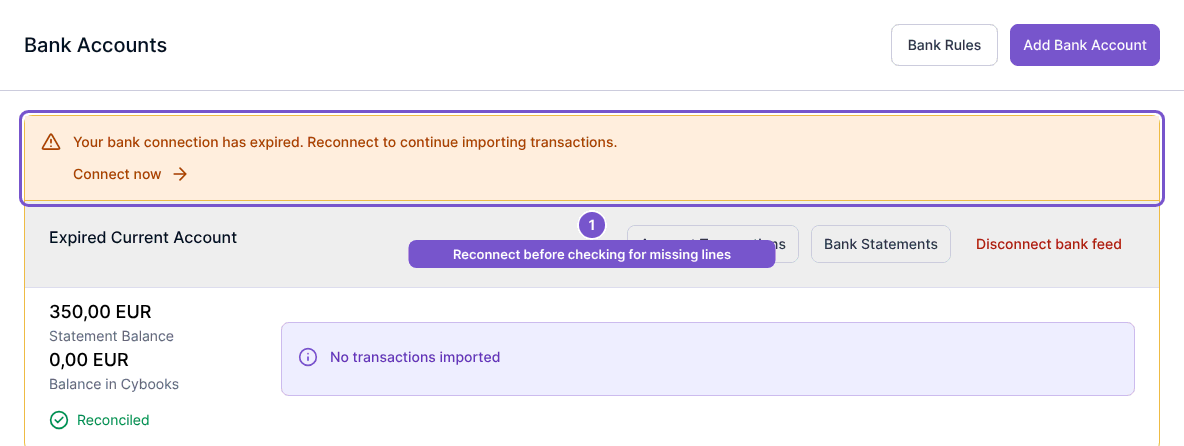
- Open Bank Accounts and look for a connection warning.
- If the connection has expired or needs authorization, select Connect now and complete the reconnect process.
- For a healthy online account, open the account and use Refresh or Refresh now when available.
Expired, revoked and failed connections need attention before automatic refreshing can continue. A refresh request does not guarantee when the provider will deliver a particular line.
If a transaction appears twice
Statement preview skips detected duplicates unless you explicitly override that decision for a row. Compare the date, amount and transaction details before choosing to import a flagged row anyway.
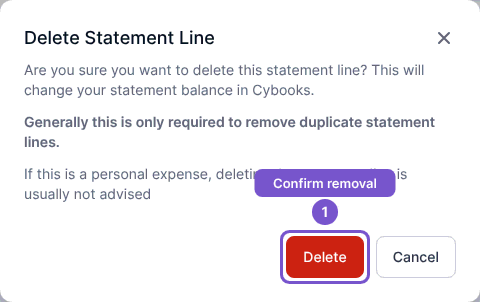
For a duplicate that is already imported, open Bank feed and select the unwanted statement line. Delete opens a separate Delete Statement Line confirmation. Review it before confirming: removal changes the statement balance. Cybooks refuses to remove reconciled lines or lines backed by journal entries; those records stay unchanged.