
Choose the right registration entry
Open standard or accountant registration and review the first step.
Choose the registration entry that matches the workspace you need.
Business account
- Open the standard registration page.
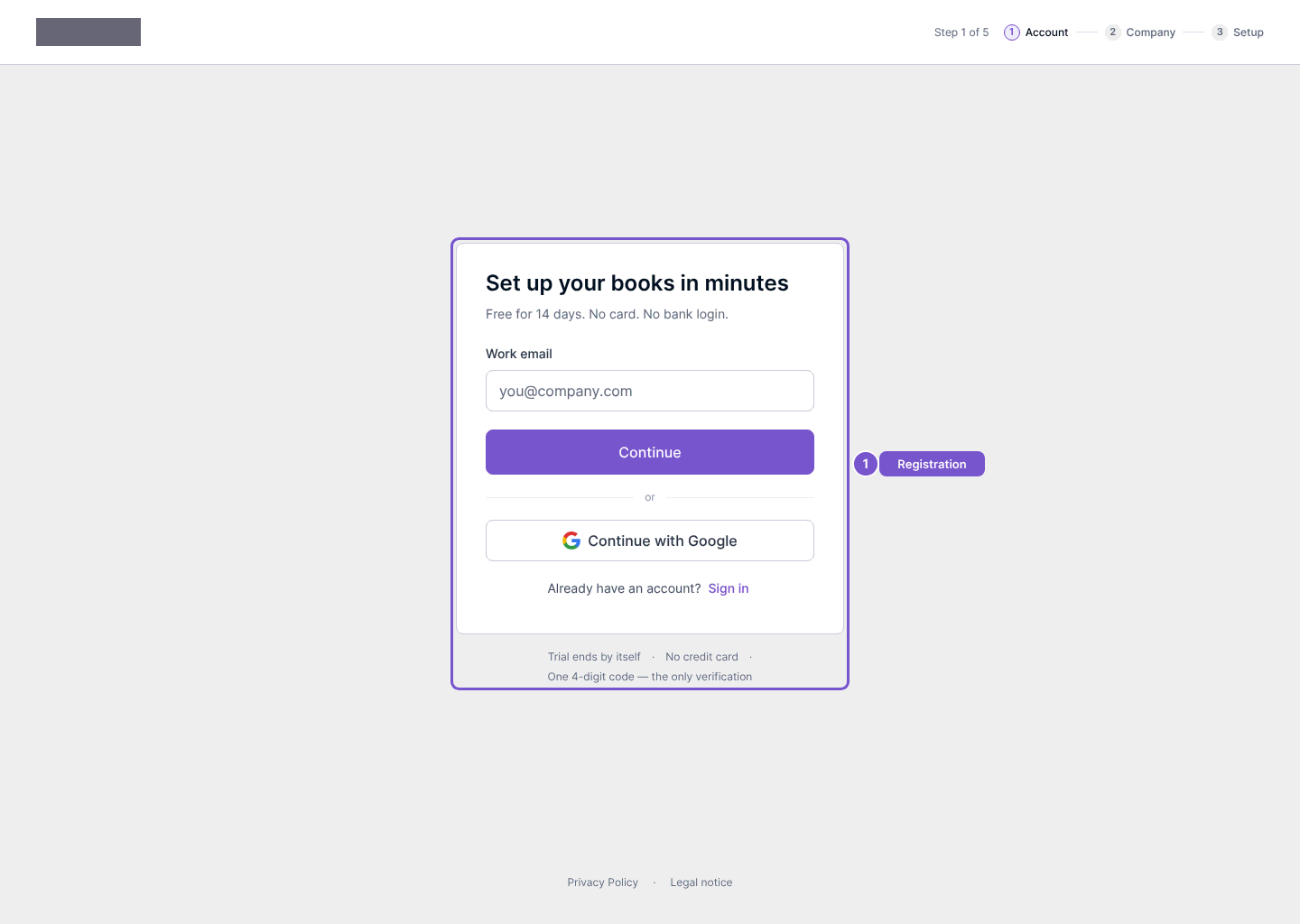
- On Set up your books in minutes, enter your Work email and review it before choosing Continue. Continue with Google is also offered.
- Follow the next registration steps shown for Account, Company and Setup.
Accountant account
Use the accountant registration entry when setting up an accounting practice. It has a separate first-step form for practice registration. Review its requested contact and practice details before continuing.
Opening either page does not create an account or send a verification code. Completing only the first step does not mean the workspace is ready. If you already have an account, use Sign in instead of registering another account.