
Request a password reset
Open password recovery and request instructions for your account email.
Use password recovery when you cannot sign in with your password.
- On the sign-in page, choose Forgot password?.
- Enter your account email address.
- Choose Reset password to request reset instructions.
- Check that mailbox for the reset message. Back to login returns you to sign-in.
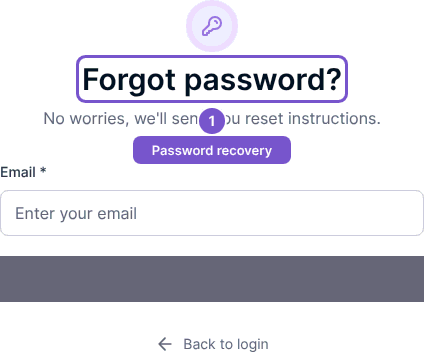
Opening the recovery form does not send a message. Reset password submits the request and takes you to Check your email. That page explains that a reset link is sent if the address exists in the system; the message is not proof that an account exists for an arbitrary address. Check the spelling and the mailbox you used for registration if you cannot find the message.