
Check your registration verification email
Find the verification message and continue registration from its link.
Use the email address you supplied during registration to find your Cybooks verification message.
- Open the mailbox you used for registration.
- Find the Cybooks message containing your verification link.
- Open the link and continue with company setup when Cybooks returns you to the registration flow.
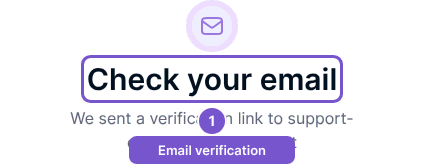
The verification link confirms the registration email before the flow returns to company setup. Seeing email guidance alone is not confirmation that verification has completed. If you cannot access the mailbox or supplied the wrong address, review your registration details before continuing. Use the current verification message; an invalid or expired link does not establish a verified session.