
Start from the Ask Cybooks chat workspace
Find a new conversation and the available skill choices.
Open Ask Cybooks to begin from a new conversation or find an existing one in the conversation list.
- Check the active company before discussing its records.
- Open Ask Cybooks and choose New Conversation when you want a fresh chat.
- Review the available skill choices, such as Find, Get paid, Spending, Reports and Tax & VAT, or prepare your question in the message box.
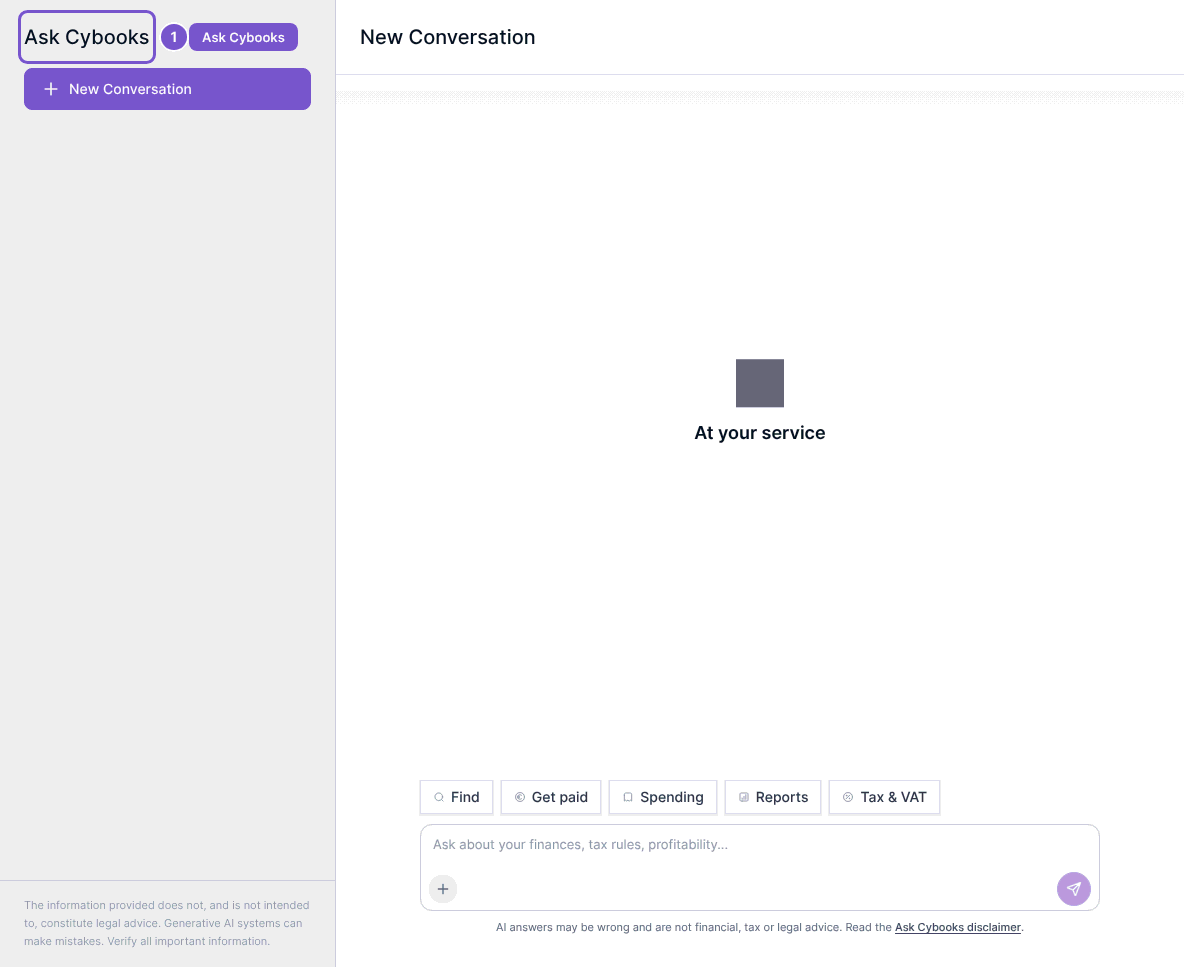
Opening a new chat loads the workspace and available skills. It does not submit a question or produce an answer. Check your message before sending it, and review any answer against the underlying records before relying on it; the chat itself reminds you that AI answers may be wrong.