
Find documents shared with your accountant
Browse the company shared folders and locate files by name or description.
Open Documents in My Accountant to find the folders and files shared for the selected company.
- Confirm the active company and open the document area.
- Browse the available folders or search by file title or description.
- Use the file list's name, contents, upload date, last-updated date and uploader to identify the right item before opening it.
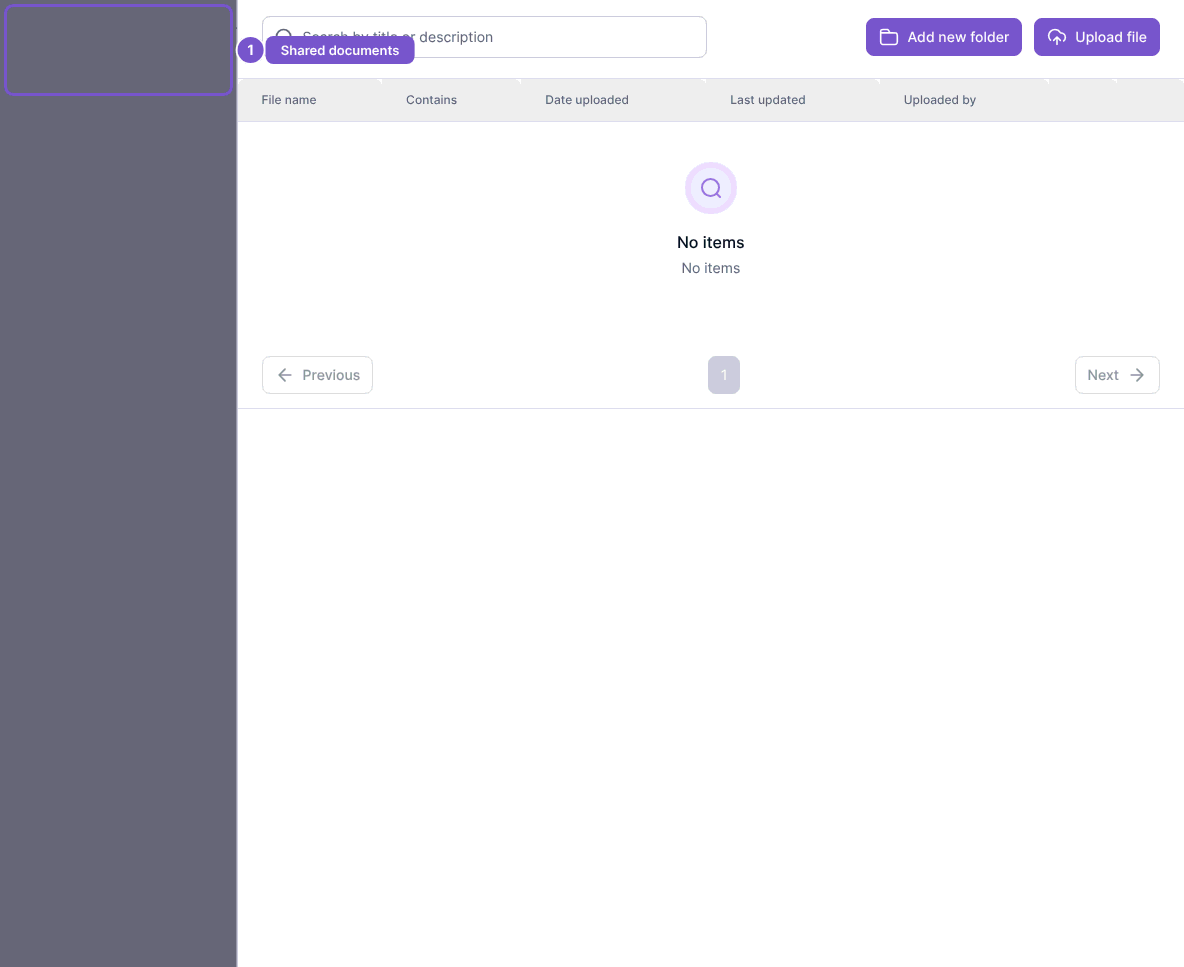
An empty folder is different from missing access. Check the folder and search first, then ask your accountant to confirm where the file was shared. Opening the list does not upload a file. Add new folder, Upload file, rename and remove depend on separate permissions; access to one folder does not grant access to unrelated company files.