
Review your password and sign-in security
Find Change password, two-factor authentication and registered passkeys in User Profile.
Open User Profile to review your sign-in security.
Find the password control
In User Profile, choose Change password to open the password-change form. Opening the form does not change your password; changing it requires completing and submitting that separate form.
Review two-factor authentication and passkeys
- Find the Two-factor authentication section and check the available setup or management action.
- Find Passkeys and review the registered entries, including their creation and last-used information.
- If the list says No passkeys registered yet, no passkey is listed for this account.
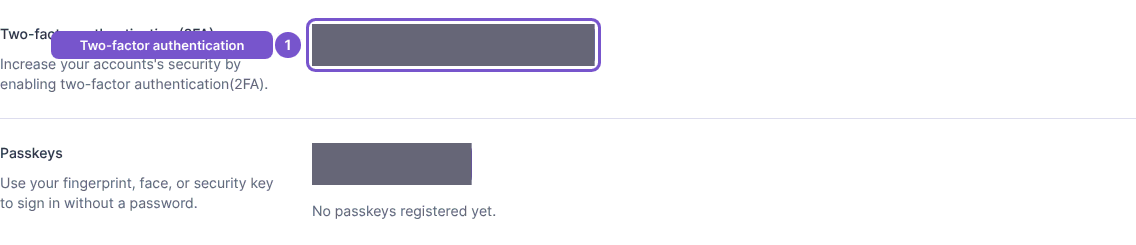
Opening these sections does not enable two-factor authentication or register a passkey. Each has a separate setup flow. Passkey registration asks for a name and uses your browser or device to complete registration; an unfinished or failed registration is not a registered passkey.
Deleting a passkey also requires confirmation. Identify the entry before removing it, especially if it is a sign-in method you still use.