
Find your accountant connection and invitation
Review the company accountant connection and open the invitation entry point.
Use My Accountant to check whether your company is connected to an accountant. Confirm the active company before inviting someone to its records.
- Open My Accountant.
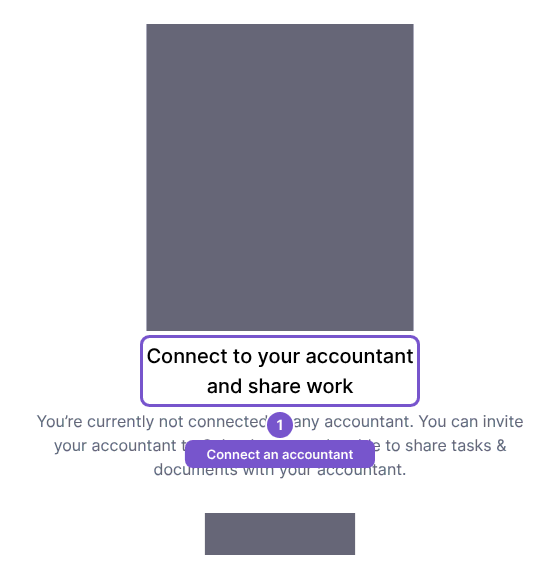
- Review the connection area. When no accountant is connected, it shows Connect to your accountant and share work.
- Use Invite accountant to open the invitation entry point. Review any pending invitation and the intended email address before sending an invitation.
Opening this area reads the connection and pending invitation; it does not send an invitation. Invitation links belong to the intended company and email address. If an invitation has been cancelled or replaced, use the current invitation instead of an older link. Ask the company administrator to review the pending invitation if the recipient or company is wrong.