
Find and inspect workflow templates
Review reusable practice templates, their sections and default settings.
Workflow Templates stores reusable structures for your practice's client work.
- Open Workflow Templates.
- Find a template in the list and select it to open its details.
- Review the template's sections and Default settings before deciding whether it suits the work.
The detail page carries a Template badge. Its default settings include recurrence, due-date rules and billing rate. Create project is a separate action; reading a template does not create a project or save changed defaults.

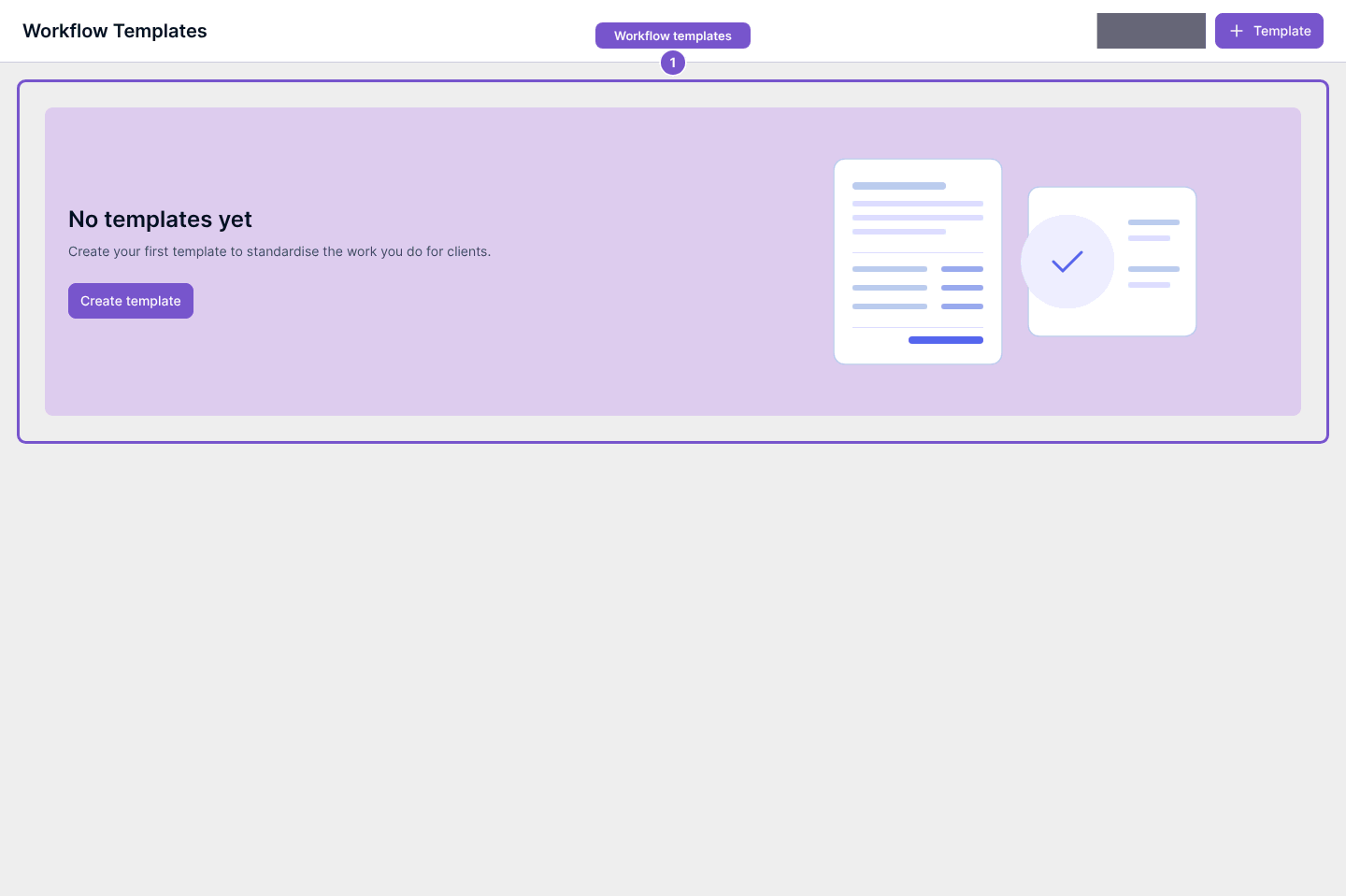
If No templates yet appears, the practice has no templates in this view. If a search finds none, clear the search before treating a template as missing. Check with your practice administrator before changing a shared template's defaults.