
Review practice team members and roles
Find your practice team and inspect the permission matrix used by accountant roles.
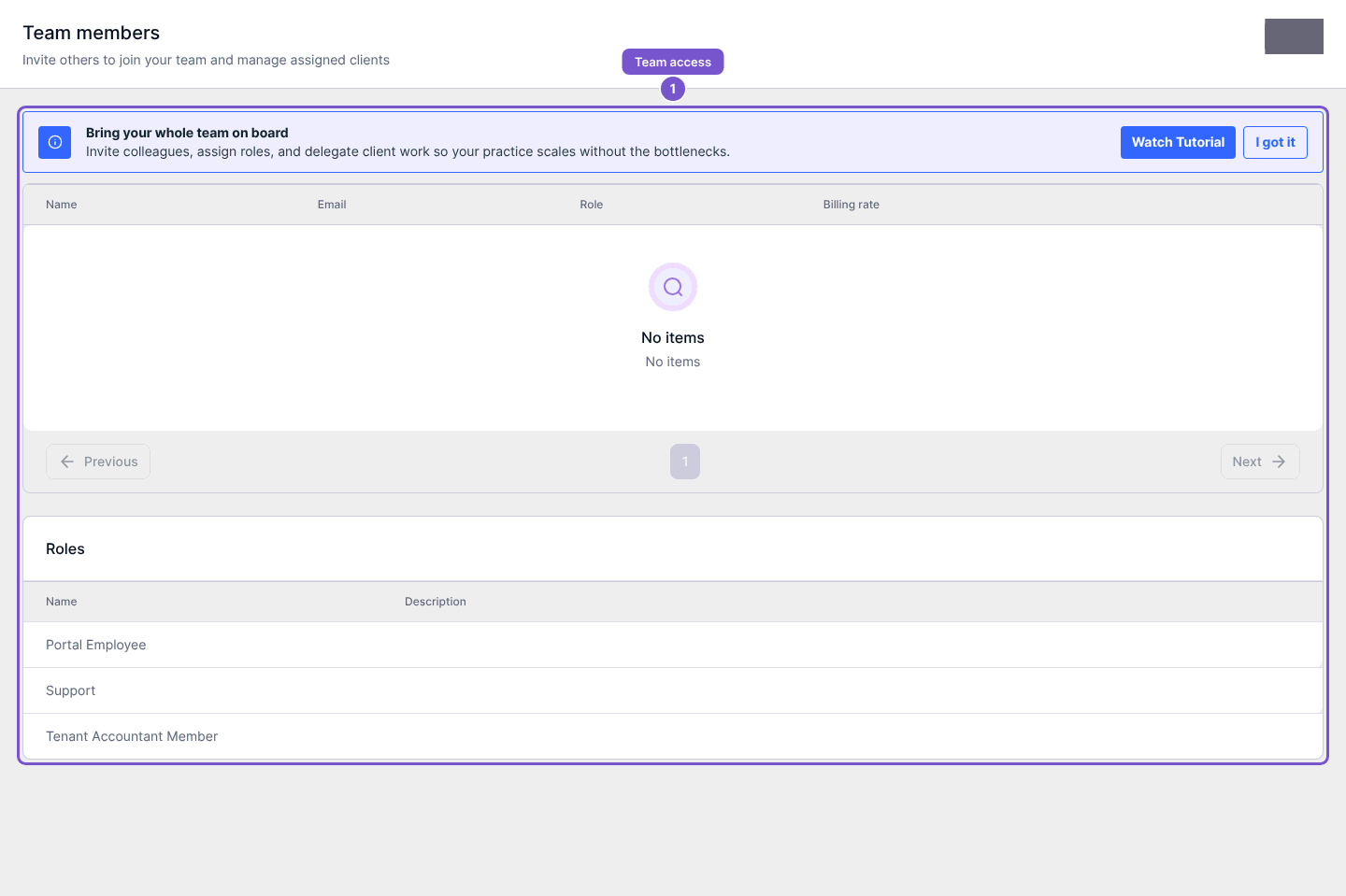
Team members brings together the practice's members, invitations and roles.
- Open Team members in the accountant workspace.
- Review the members and their roles.
- Check the Roles section when you need to understand the available access profiles.
Inspect a role form
With role-creation access, open Create Role. The form contains Name, Description and Permissions. The permission grid distinguishes View, Create, Update and Delete; All selects the permissions for that row. Editing an existing role requires role-update access.
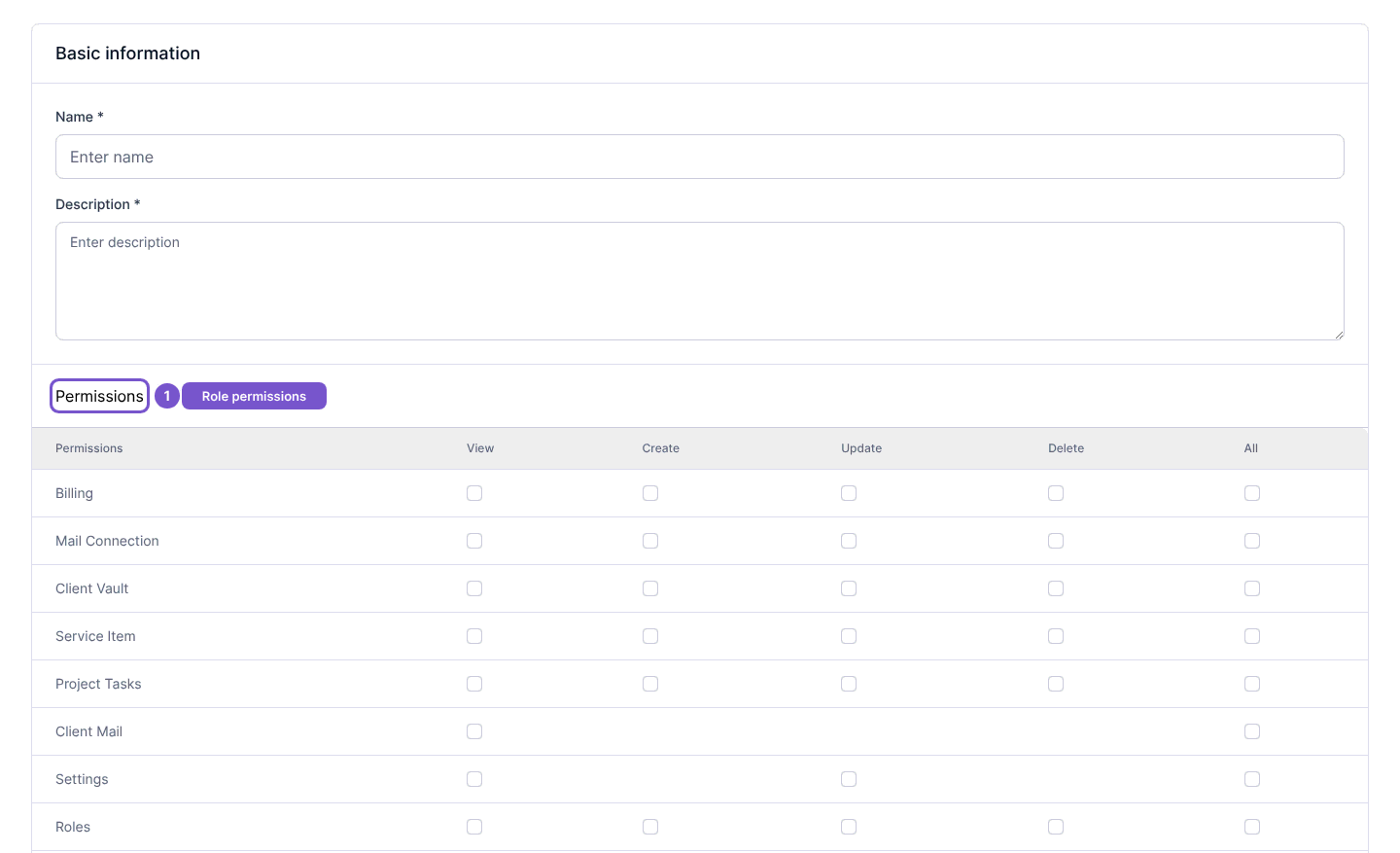
Review the scope of access before changing any permission. Merely opening the form does not grant access or change membership. If the role controls are unavailable, ask the practice administrator to handle the change rather than using another team member's account.