
Review practice subscriptions and billing
Distinguish subscriptions billed to your firm from subscriptions billed to clients.
Subscriptions and billing separates the subscriptions paid by your practice from those paid by clients.
- Open Subscriptions and billing in the accountant workspace.
- Select Accountant-billed subscriptions to review subscriptions billed to the firm.
- Select Client-billed subscriptions to review client billing, then choose Active clients or Cancelled clients.
- Search by client name or ID when you need a particular billing relationship.
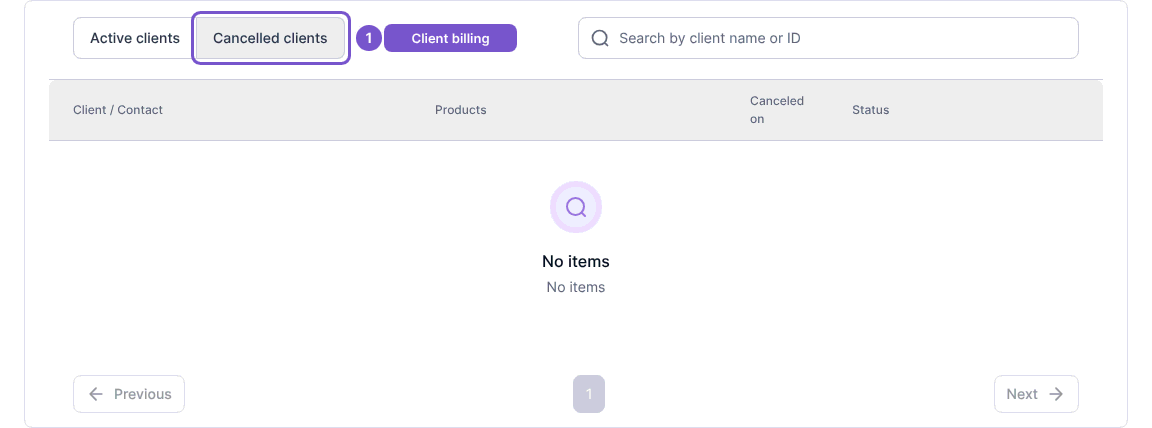
Review the client, products and status in the selected register. Switching tabs only changes the list you are reading; it does not subscribe, cancel or transfer billing. If an expected client is missing, check both billing groups and the active or cancelled tab before asking your practice administrator to investigate.