
Review practice service items
Find service names and rates in your practice settings.
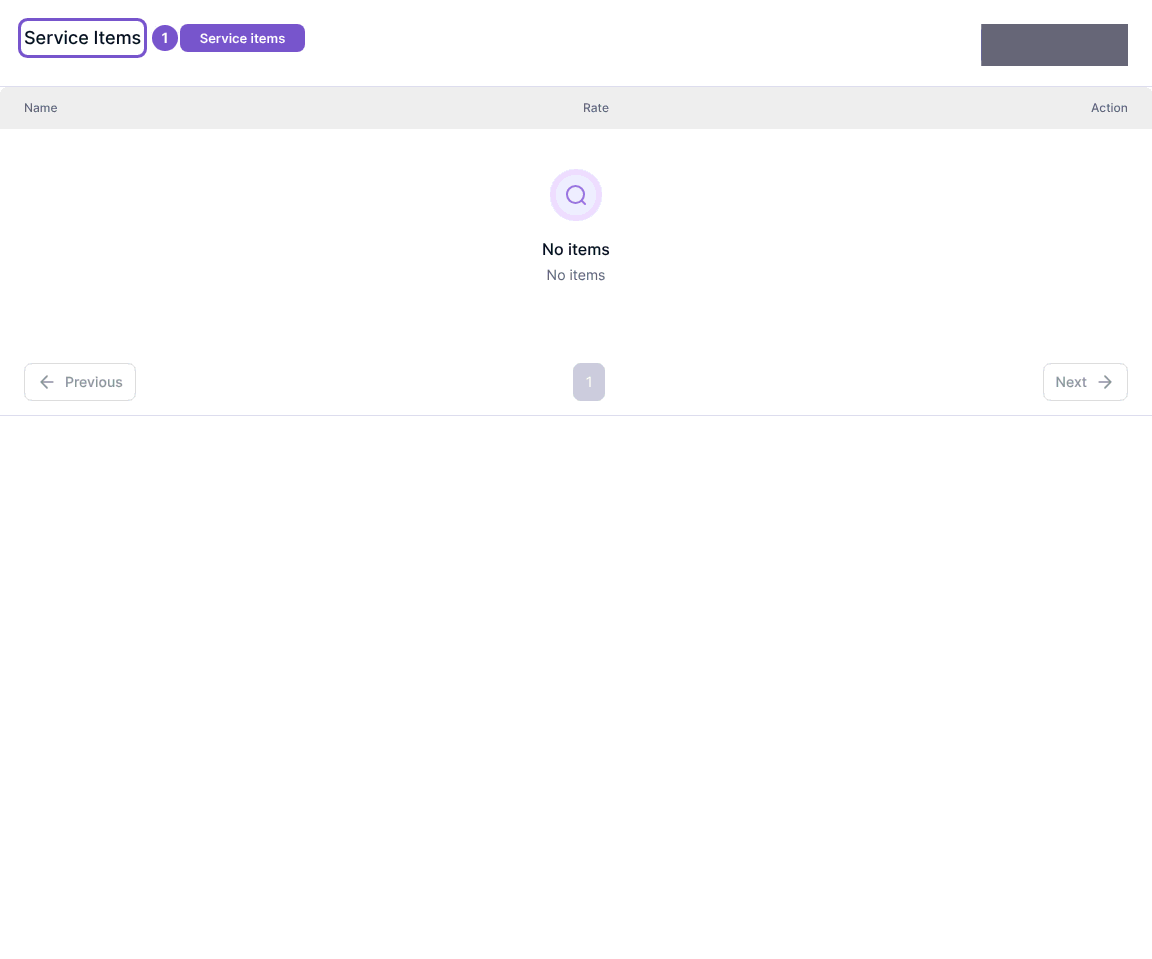
Service Items lists the services configured for your practice, with their names and rates.
- Open Service Items in practice settings.
- Review the Name and Rate columns.
- Use the list pages to find the service you need. No items means the displayed list has no service items.
Add service item, Edit and Delete are separate actions with their own permissions. Viewing the register does not change a rate. If a rate needs correction but the action is unavailable, ask a practice administrator to check your access before proceeding.