
Find practice projects and review their work
Open a client project to review its tasks, team chat and files.
Projects helps your practice find client work and review its current tasks.
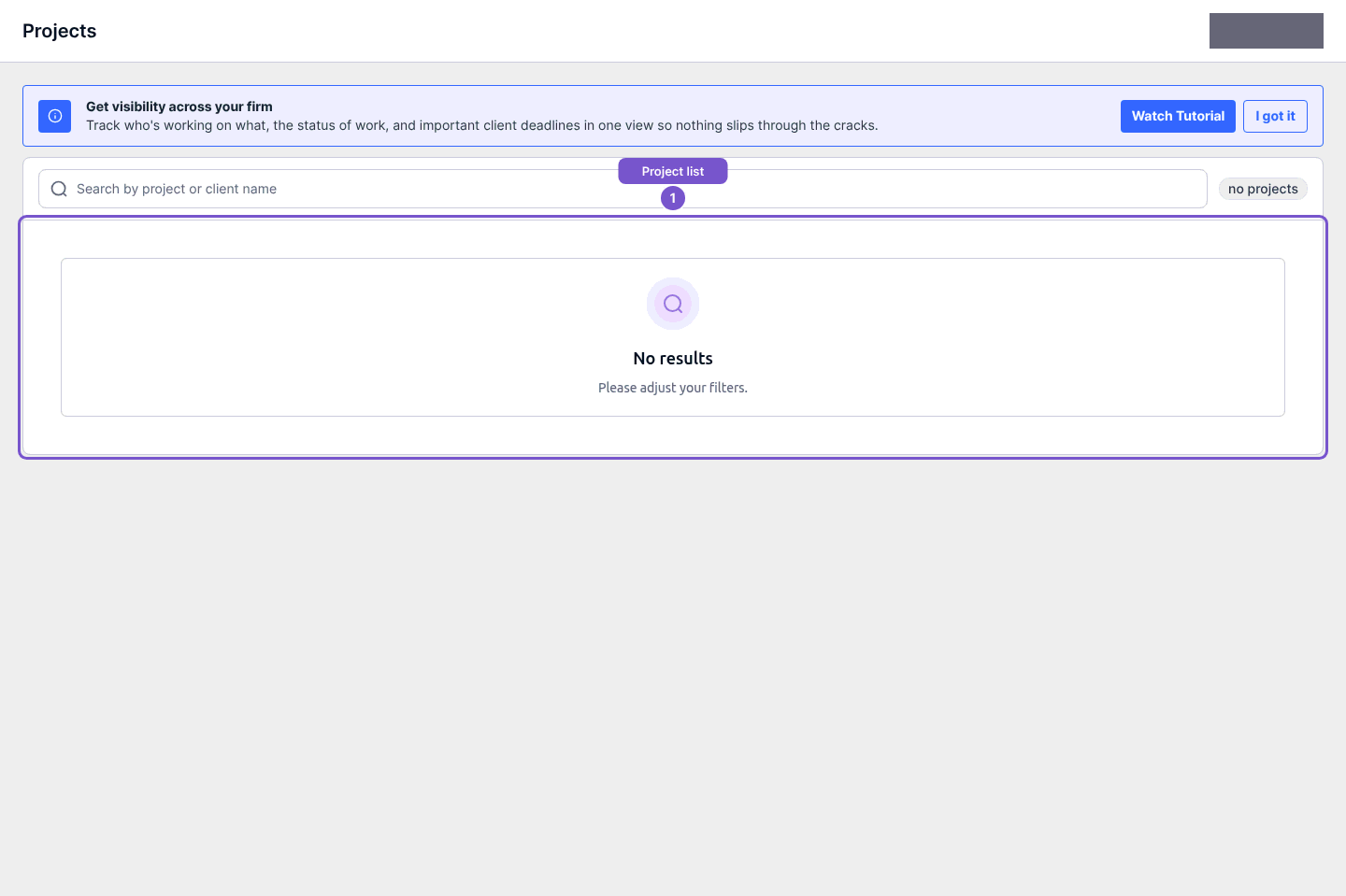
- Open Projects in the accountant workspace.
- Search by project or client name.
- Select the project to open its workspace.
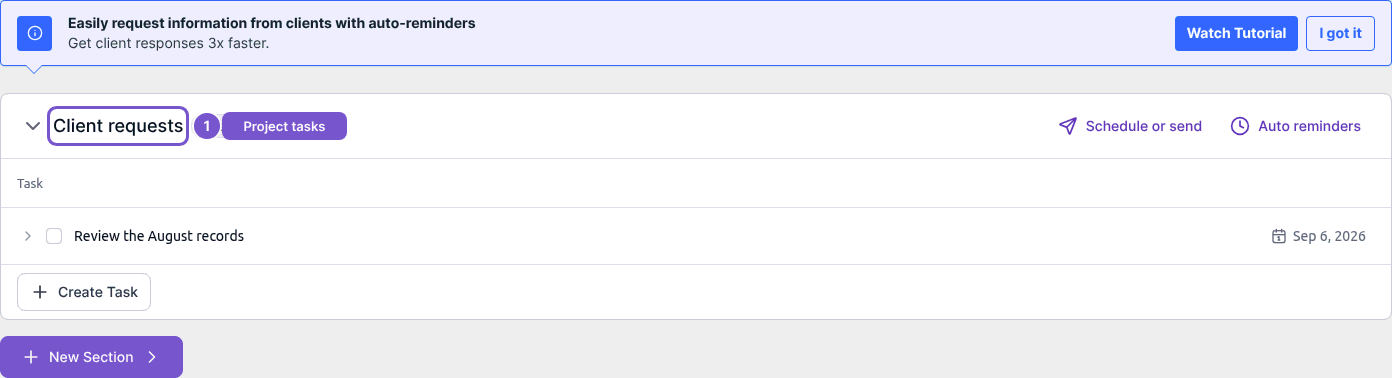
The selected project's workspace includes tasks, team chat and files. Review Team Tasks and Client requests in the task sections; confirm the project and client before entering a message or adding a file.
Opening the list or project does not create a project, complete a task or send a request. If a search returns No results, adjust the search and confirm you are in the intended practice. If project access is denied, ask your practice administrator to check your role.