
Review your practice company profile
Find the company identity and contact details held for your accounting practice.
The practice Company profile holds the firm's identity, address and contact details. It is separate from an individual client's company profile.
- Open Company profile in the accountant workspace settings.
- Review the practice identity and address.
- Check the registration, tax and contact sections against your firm's current details.
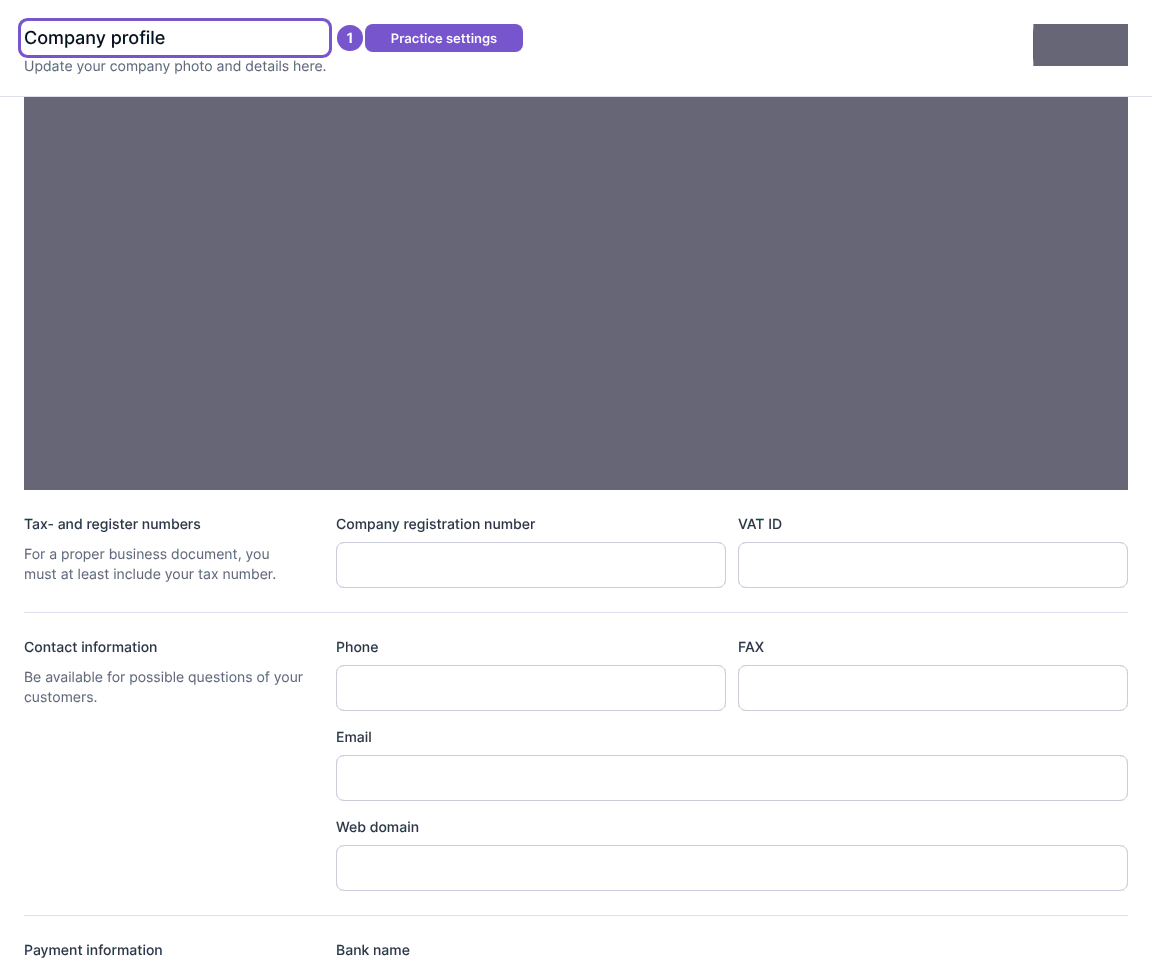
Opening the page loads the existing profile. Save is a separate action. If details need correction, confirm the intended change with the person responsible for your practice settings before saving. If you cannot open the page, ask your practice administrator to check settings access.