
Review your practice email accounts
Find the mailboxes connected to your accountant account and check their status.
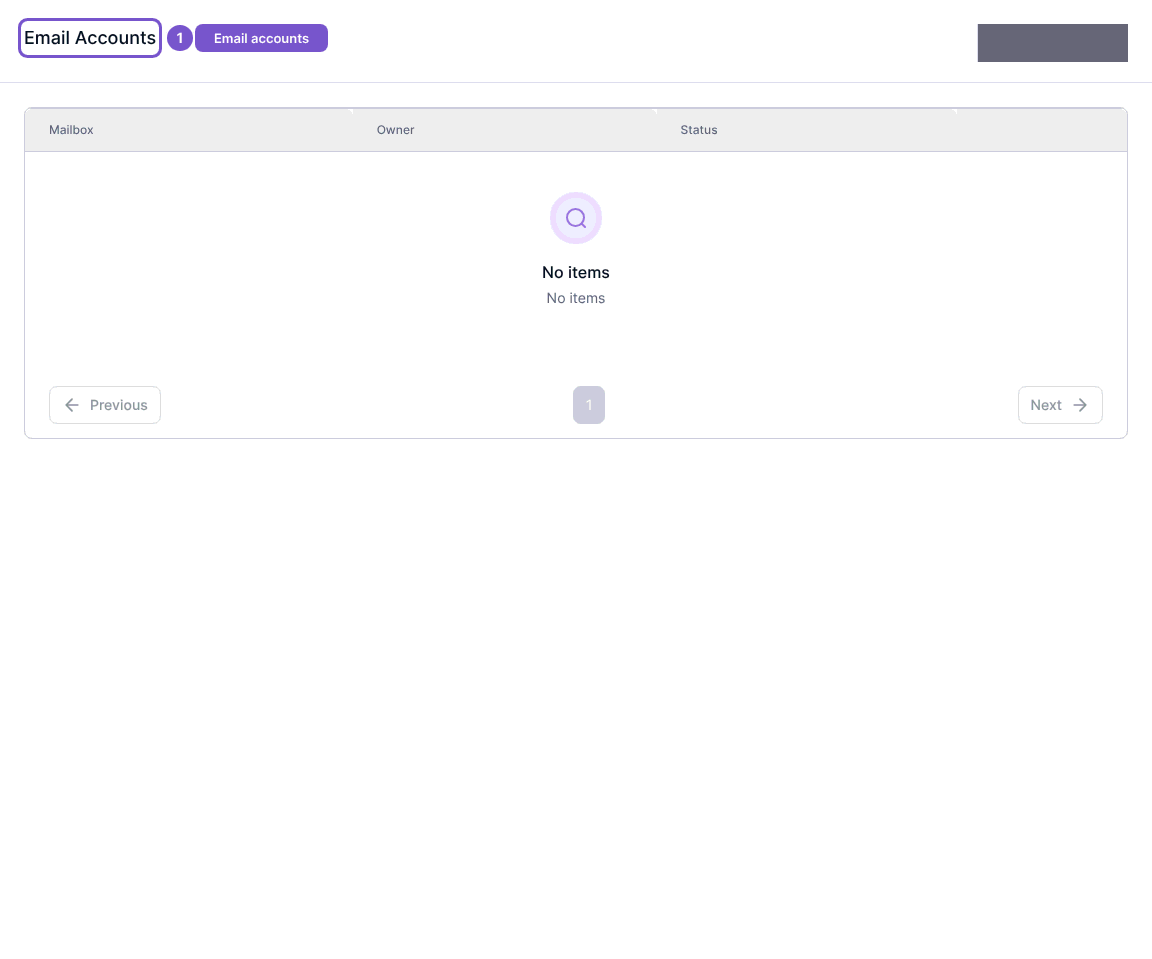
Email Accounts shows mailbox connections for your signed-in accountant account.
- Open Email Accounts in practice settings.
- Review the Mailbox, Owner and Status columns.
- If No items appears, there are no connections in the displayed list for this account.
Connect a mailbox starts a separate provider connection. Disconnect is a separate permission-controlled action with confirmation. Reading the list neither connects a provider nor revokes a mailbox. If you can view connections but cannot manage them, ask your practice administrator to check your mail-connection permissions.