
Open an invitation from your accountant
Check the account-creation page reached through your accountant invitation.
An accountant invitation opens a Create an account page. Use the link intended for you so the page can check the invitation and show the correct account details.
- Open the invitation link.
- Check the inviting accountant and the name and email shown on the form.
- Review the password field and its requirements before continuing with Next step.
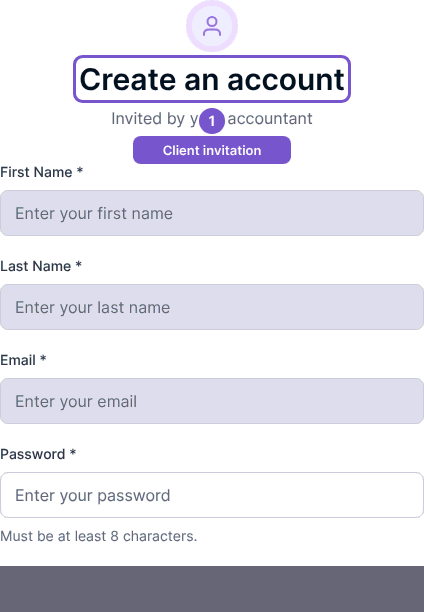
The live page checks the invitation before acceptance. If it reports an invalid invitation, ask the accountant for a current link. Do not use another person's invitation or change the invited identity to try to gain access. Opening the form by itself does not mean the invitation has been accepted.