
Review the practice inbox and open a conversation draft
Find practice conversations and prepare the New Conversation composer.
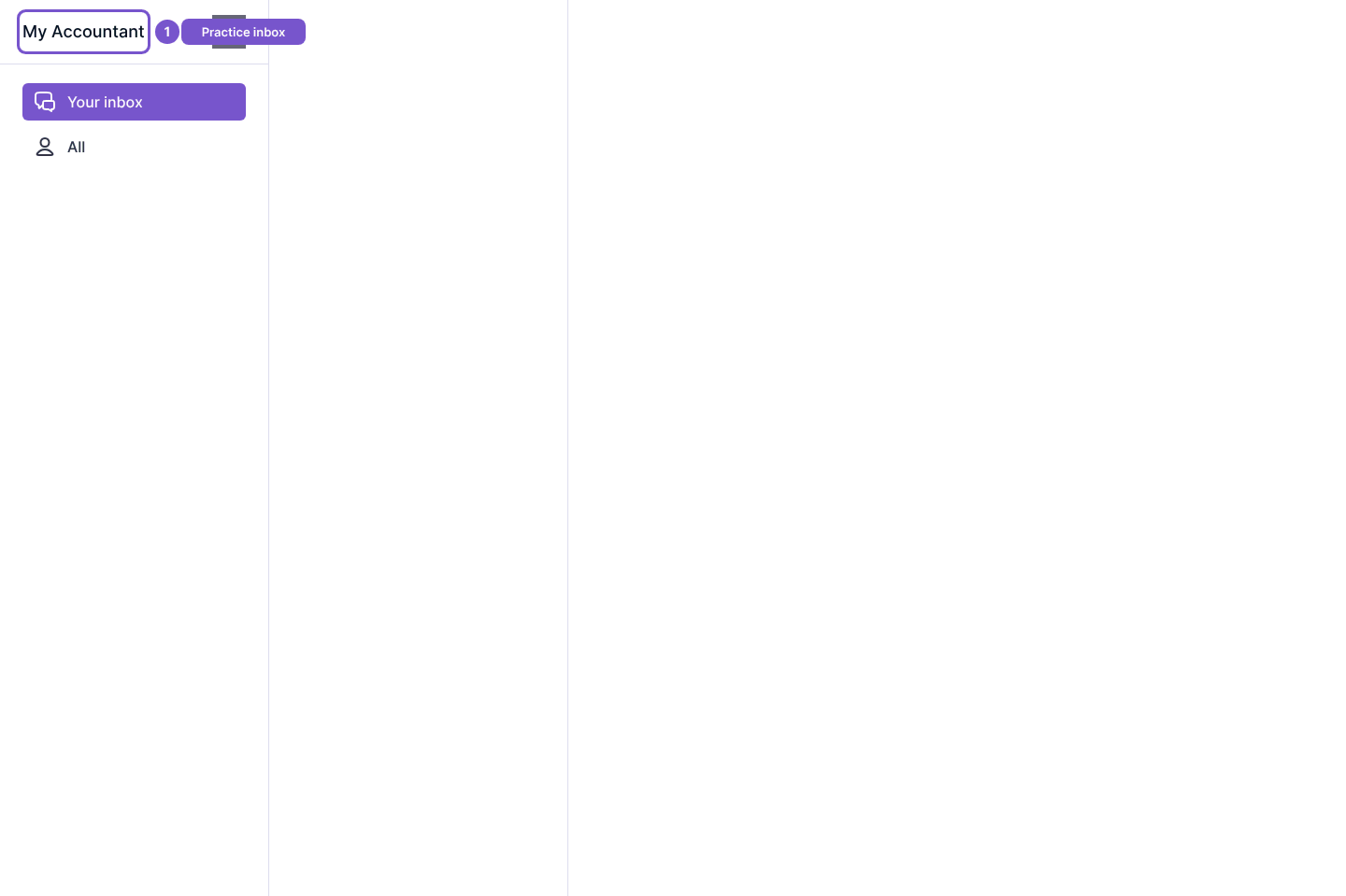
Use Inbox in the accountant workspace to find practice conversations. Your inbox and All offer the available conversation views.
- Open Inbox.
- Select Your inbox or All to review the conversation list.
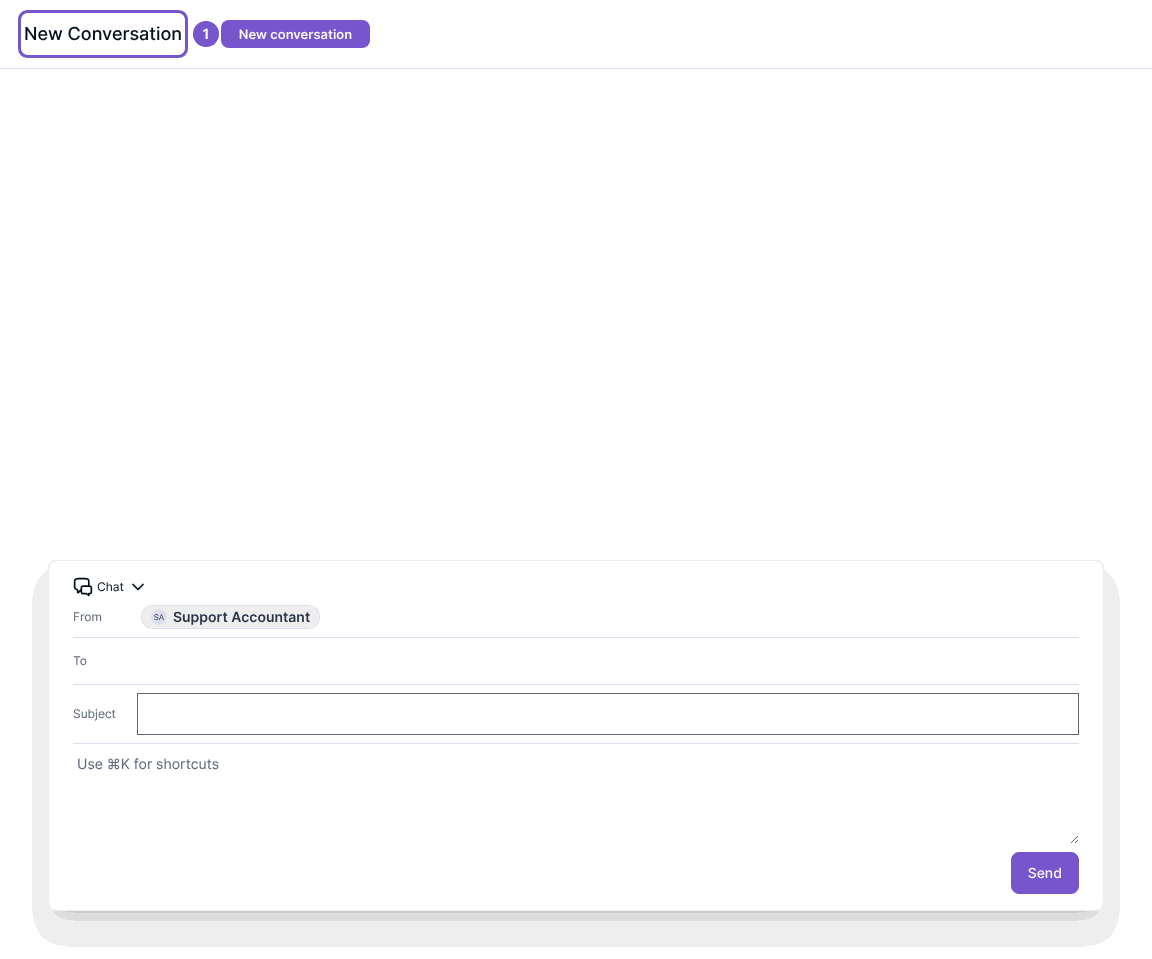
- To prepare a message, open New Conversation. Check the conversation type and intended recipient before entering any private client information.
The composer provides Chat or Email, From, To, Subject and a message area. Email needs a connected mailbox; if none is selected, the composer asks you to set up mail. Opening the composer does not send anything. Send is the separate submission action.
If Inbox is unavailable, confirm that the feature is enabled for your practice and that your role has client access. For email setup, review your practice's Email Accounts settings.