
Choose the company you want to work in
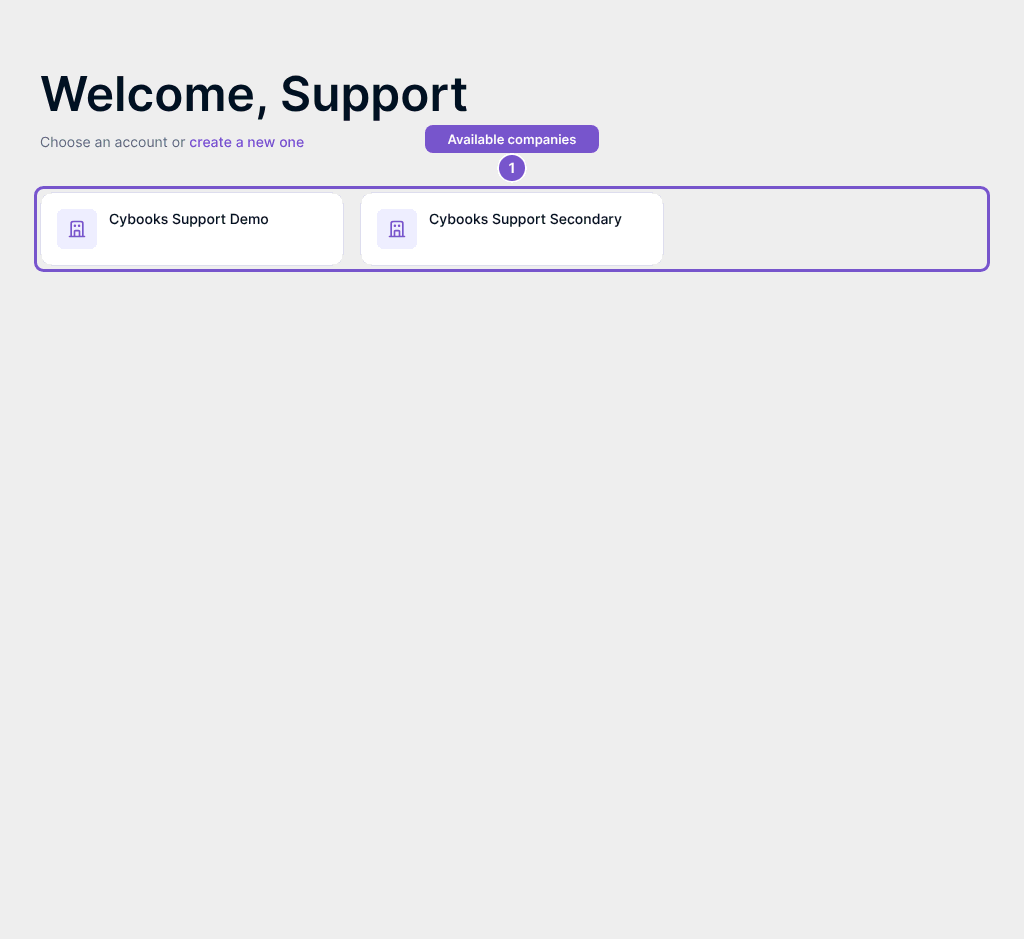
Use the account chooser to select an available company before working on its books.
The account chooser lists the companies available to your signed-in account. Check the company name before choosing where to work.
- Open the account chooser and wait for the available company cards.
- Find the company you intend to work in.
- Select its card to enter that company. The active company changes after you make the selection.
If the company you need is absent, check which account you used to sign in and ask the company administrator to confirm your access. Creating a new company is a separate choice; it does not recover access to an existing one.